Hidden Valley Sunrise
Instrumental adventure score for full symphony orchestra as explorers reach a hidden valley at sunrise, beginning with quiet strings and building to a broad brass theme with driving percussion.
2:25Adventure scoreMajestic
Describe the scene, choose the ensemble and dramatic arc, and generate a complete orchestral cue with development, contrast, and resolution.
Orchestral prompts become more useful when they describe dramatic movement rather than listing instruments alone. These directions show how ensemble, pacing, and emotional arc can support adventure, intimacy, or suspense.
Adventure score
Direction used
Instrumental adventure score for full symphony orchestra as explorers reach a hidden valley at sunrise, beginning with quiet strings and building to a broad brass theme with driving percussion.
Chamber score
Direction used
Instrumental chamber score for small string ensemble and piano as two old friends meet after many years, with hesitant phrases that gradually settle into a warm lyrical theme.
Dark orchestral
Direction used
Instrumental dark orchestral suspense score with low strings, restrained brass and uneven percussion for a search through an empty museum at night, rising in short waves without revealing the threat.
Describe what changes in the scene, then choose the forces that should carry it.
Write the action, setting, and emotional turn. A cue for discovery should develop differently from music for pursuit, grief, ceremony, or quiet dialogue.
Set the orchestral style, emotional tone, ensemble size, pacing, and optional wordless choir. These choices define scale and dramatic weight.
Create the complete piece and listen to its arc. Refine the pacing, ensemble, or scene description when the music reaches its climax too early or carries the wrong emotion.
Direct scale, color, and movement without writing notation or programming every instrument.
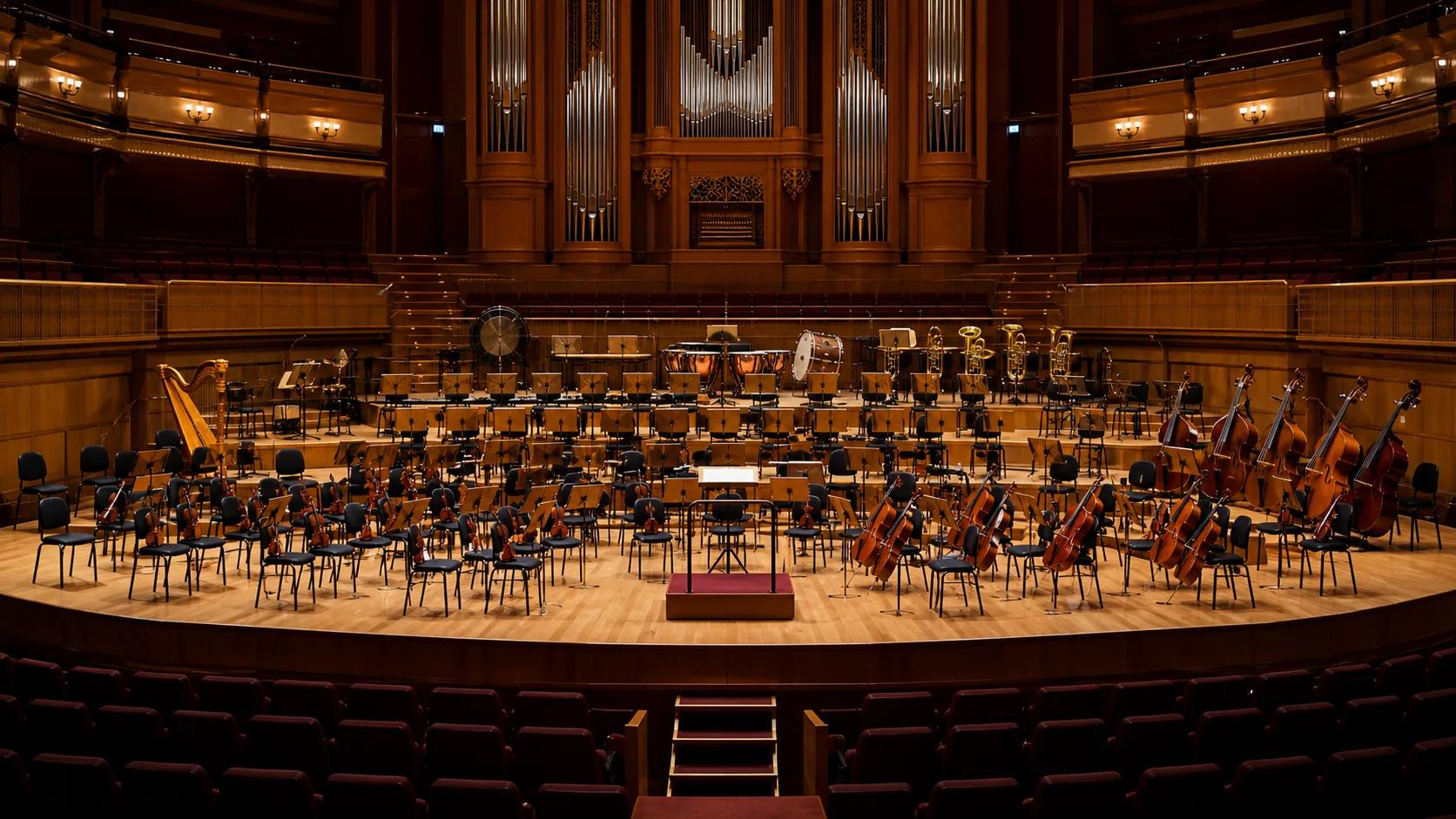
Use a full symphony orchestra for scale, strings for focus, chamber players for intimacy, brass and percussion for force, or piano and strings for a more exposed emotional sound.
Compose an orchestral cue
Request slow space, lyrical continuity, building momentum, fast motion, or scene-driven changes. Pacing tells the model how the orchestration should develop rather than staying at one intensity.
Compose an orchestral cue
A concrete scene gives musical choices a reason. Describe a reveal, journey, confrontation, farewell, or environment so the cue can follow dramatic action.
Compose an orchestral cue
Extend the piece, master it, split orchestral layers, or pair it with a video. The generated audio can continue through the rest of the production workflow.
Compose an orchestral cueA clear view of the output, licence, and available next steps.
The composition, instrument roles, dynamics, pacing, and mix arrive together as playable audio. You can evaluate the dramatic arc immediately.
Any paid music subscription includes commercial rights for songs on the same account, including earlier Free-plan songs. No regeneration is needed, and the rights remain valid after cancellation, subject to the Terms.
Create cinematic, epic, romantic, classical, fantasy, adventure, dark orchestral, and minimal chamber directions from the same focused preset.
Use stem splitting when you need more control over strings, percussion, melodic material, choir, or other parts for an edit or mix.
Continue the cue, remix it, adjust a section, change the vocal texture, or master the output without rebuilding the musical idea from scratch.
New accounts receive credits for generating and hearing a complete orchestral cue before paying. No card is required to begin.
Answers about ensembles, scoring, choir, editing, and rights.
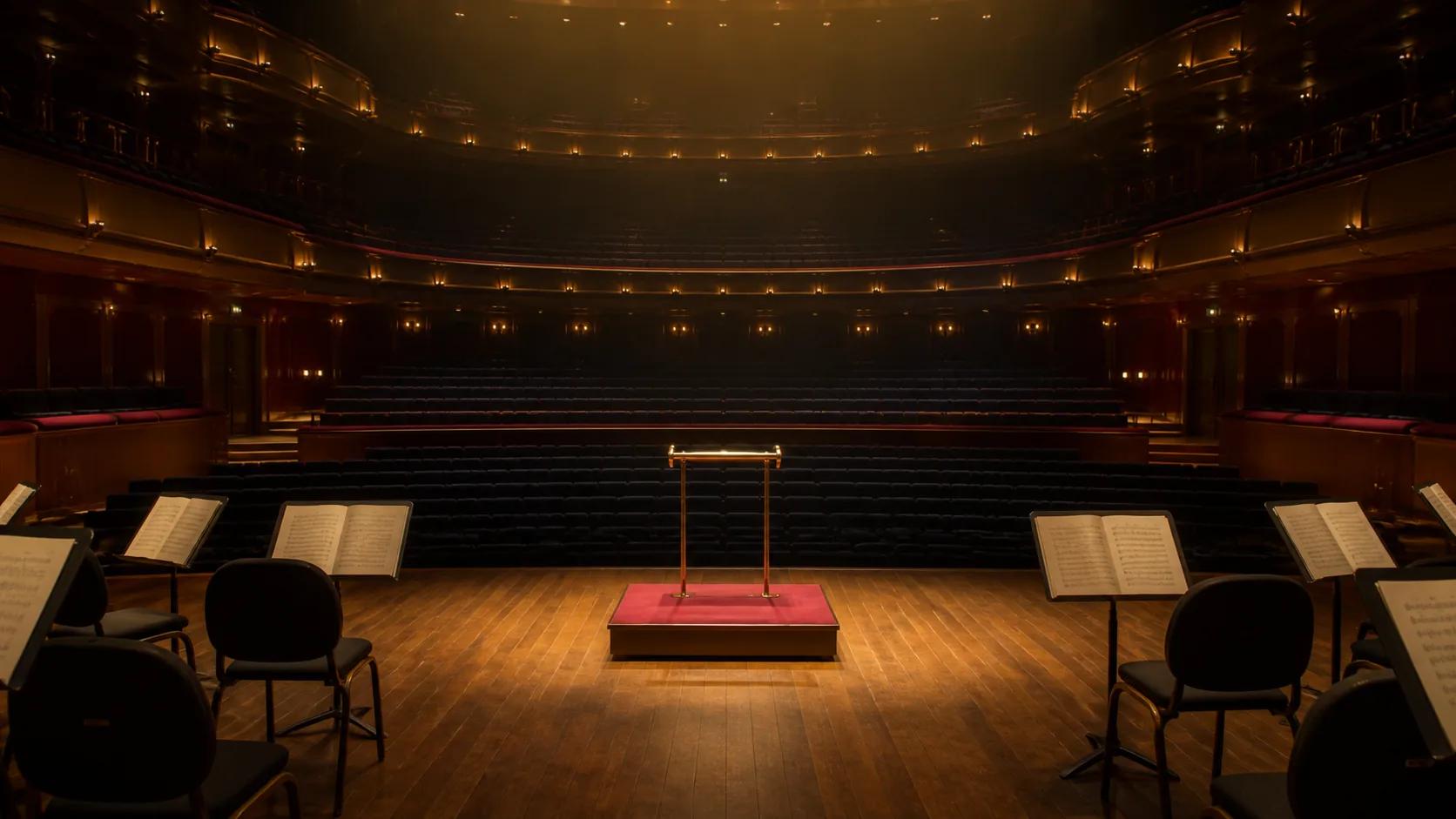
Describe the dramatic action, choose the ensemble and pacing, and generate a complete orchestral cue.
Generate orchestral musicNo credit card needed · Free credits to start