All styles
Choose a genre to open a focused generator with matching controls and examples.
All styles
Bars and beats
Retro game audio
Drift and Memphis
Idol pop

Study and unwind
Synth and rhythm
Stories and strings
Heavy and technical
Guitars and momentum
Space and texture
Four on the floor
Builds and drops
Cinematic score
Start here
An AI music generator turns a written description into finished audio. You type something like "slow acoustic country song about leaving a small town", and a few minutes later you have a real track with instruments, arrangement and, if you want them, sung vocals. There is no session to book, no MIDI to program and no plugin chain to configure.
Most tools share the same shape underneath. A text encoder reads your description, an audio model generates the waveform, and a set of controls decides how much of the outcome you steer. What changes between tools, and what actually matters when you choose one, is how much of that steering they hand back to you.
That is why this page is split by genre instead of being one box. A rap track and an orchestral cue need different decisions from you. Rap needs a flow direction, a subgenre and lyrics that scan. Orchestral needs instrumentation, dynamics and a length that fits a scene. A single prompt field forces you to describe all of that in prose and hope the model reads it the way you meant. Each generator below asks the questions its genre actually depends on.
Every generator here writes to the same engine and the same account, so nothing is locked behind a genre choice. Pick the one closest to what you have in mind, generate, and if the result drifts somewhere unexpected you can carry the same idea into another one.
The 13 genres
Short, practical notes on where each one earns its place. If two look close, the difference is usually in what the track has to do once it leaves the browser.
The strongest choice when the words carry the track. It writes verses that actually scan over a beat rather than free verse laid on top of drums, and it covers boom bap, trap and drill separately because their pockets are not interchangeable. Use it for diss tracks, birthday verses, brand jingles with bars, or a demo you intend to re-record yourself later.
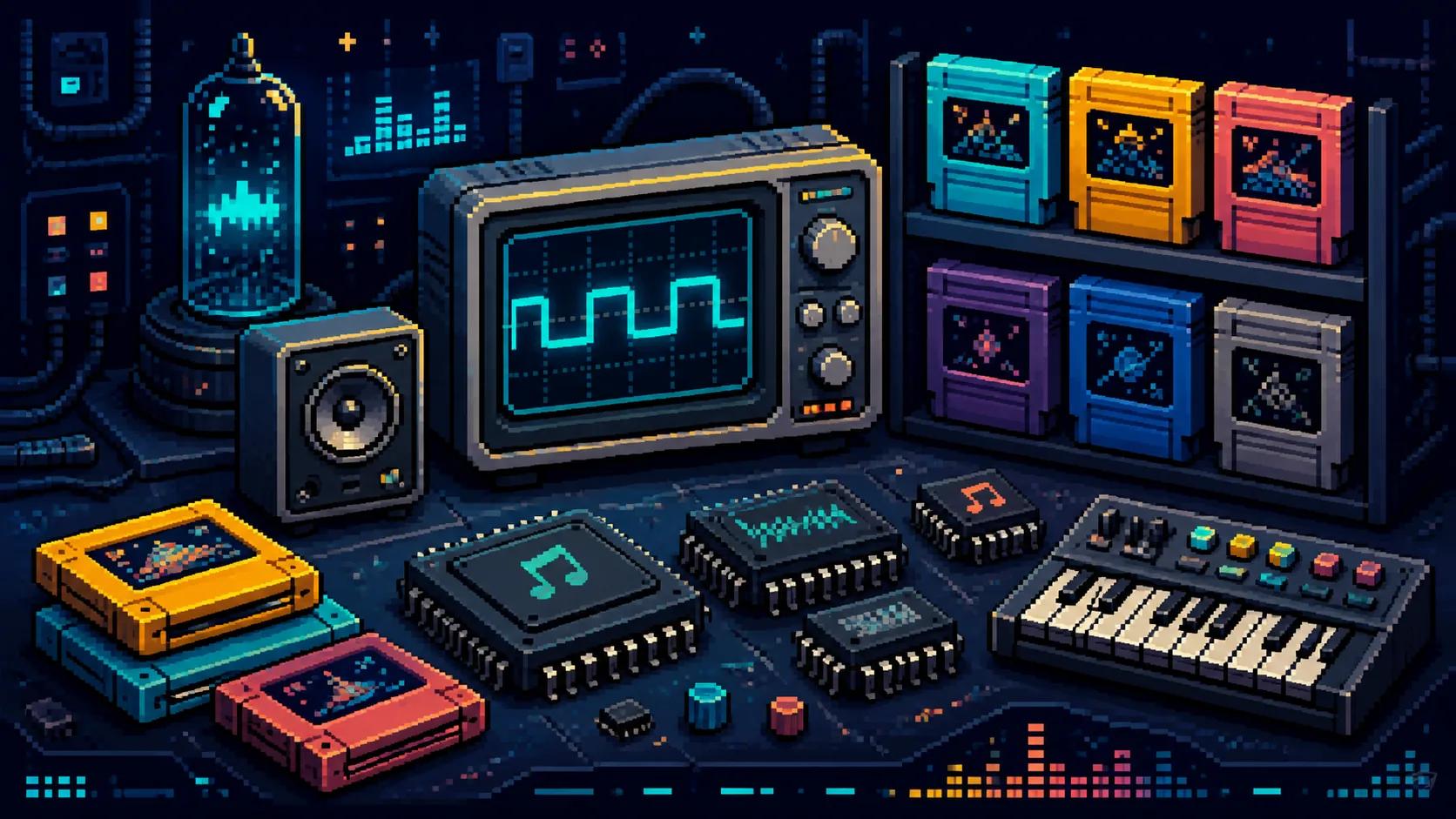
AI Rap GeneratorBuilt around the constraints of old console sound chips: square leads, thin triangle bass, noise-channel percussion. Because the palette is narrow, results are unusually predictable, which makes it a good first stop if you are new to prompting. Common uses are indie game loops, title themes, boss cues and retro-styled video intros.
8-Bit Music GeneratorCowbell-led drift phonk and darker Memphis-rooted cuts, both with the distorted low end the genre is known for. It is the most reliably short-form option here, which is why it dominates driving edits and gym clips. Set it to instrumental for background use, or keep vocals when you want the chopped, half-buried delivery.
AI Phonk GeneratorSongs with sharp section changes, a pre-chorus that lifts, and a hook meant to be sung by several voices. This is the pickiest genre about structure, so the generator leans on arrangement rather than texture. Reach for it when you need something bright and performance-shaped, including fan projects and choreography demos.
AI K-Pop GeneratorWarm instrumental beats built to sit under something else without demanding attention. Soft drums, muted keys, tape and vinyl texture, tempos that stay out of the way. The obvious uses are study and sleep playlists, but it is also the safest bed for a talking-head video or a podcast intro where speech has to stay on top.
AI Lo-Fi Music GeneratorThe broadest of the synth-based options, covering everything from restrained techno to detailed experimental sound design. Choose it when you know the track is synth-led but not which club subgenre it belongs to. If you already know it needs a festival drop or a four-on-the-floor groove, EDM and House will get you there in fewer attempts.
AI Electronic Music GeneratorStory-first songs with acoustic guitar, pedal steel and plain-spoken lyrics that land on a chorus rather than build to a beat. It handles narrative better than any other generator here because the genre expects a beginning, a turn and an ending. Good for wedding songs, tribute tracks and anything where a listener should follow events.
AI Country Music GeneratorRiff-driven tracks across heavy, thrash and progressive, with full vocal performances including harsh delivery. The tempo and density are far above most genres, so it is a deliberate rather than incidental choice. Typical uses are game combat music, trailer beds, workout tracks and band demos.
AI Metal Music GeneratorAlternative, hard rock and indie with the feel of a band in a room. Guitars, bass and live-sounding drums, with an emotional arc across the song instead of a repeating loop. It is the most flexible vocal genre on this page, which makes it a reasonable default when you want a song rather than a bed.
AI Rock Music GeneratorSlow, mostly beatless soundscapes that change over minutes rather than bars. There is no hook to compete with dialogue or on-screen action, which is exactly the point. Use it for meditation, film atmosphere, gallery installations, sleep audio and any scene where music should register only if you stop to listen for it.
AI Ambient Music GeneratorFour-on-the-floor grooves with clean low end and enough space to loop for a long time without fatigue. It sits between lo-fi and EDM in intensity: danceable, but not built around a single peak. Suits club edits, fashion and retail video, livestream backgrounds and DJ practice material. Vocal toplines are optional.
AI House Music GeneratorStructured around tension and release: a build, a drop, and a payoff big enough to carry a crowd. If you need a specific moment in a video to hit, this is the generator that gives you one. Vocal and instrumental versions both work, though instrumental is easier to edit against footage.
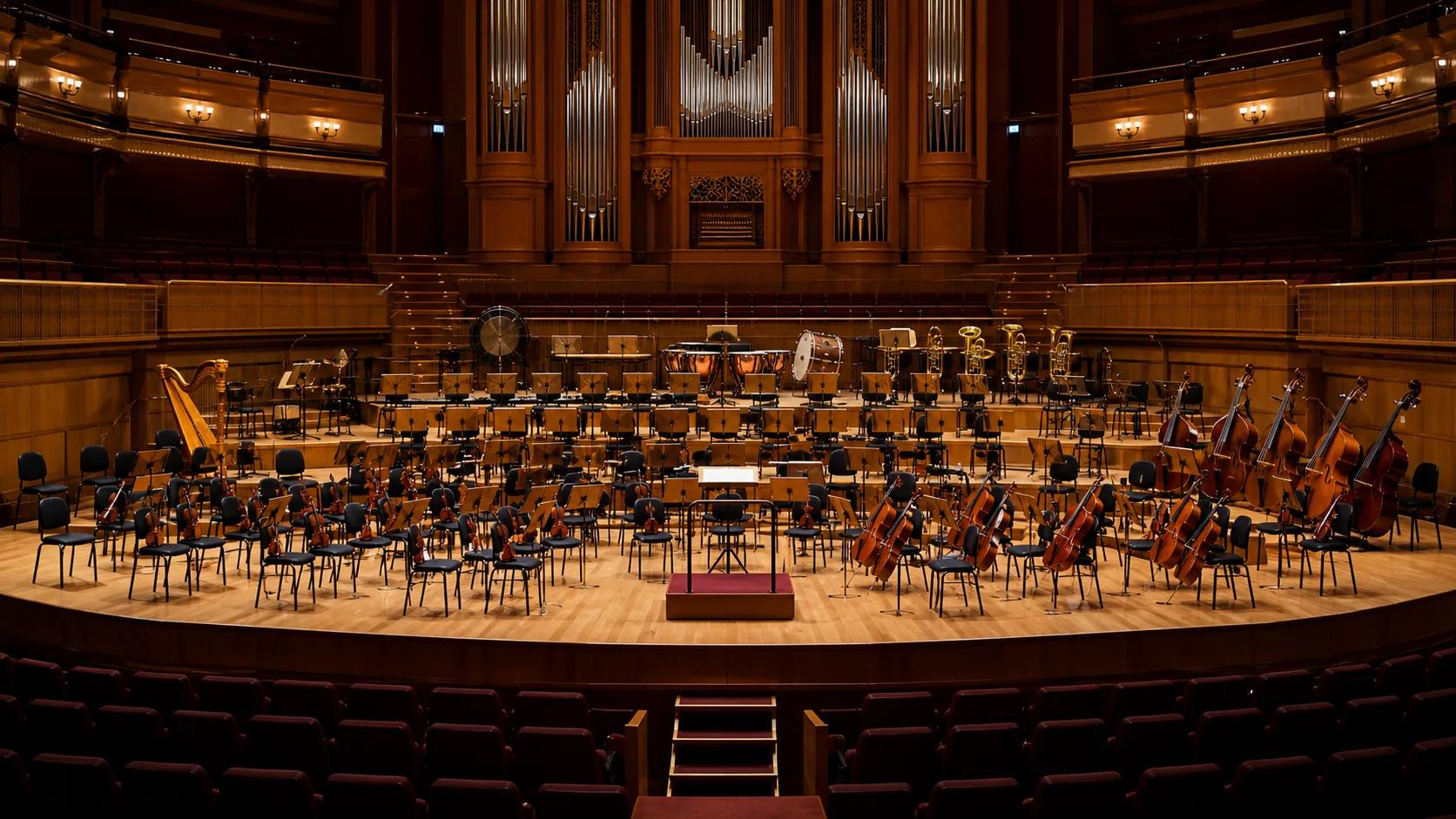
AI EDM Music GeneratorCinematic instrumental writing with strings, brass, woodwinds and percussion, shaped by dynamics rather than a drum pattern. It is the right tool for trailers, game scores, documentary beds and wedding processionals. Expect to spend more time describing the emotional shape than the instruments themselves.
AI Orchestral Music GeneratorHow to choose
Most people pick a genre and then fight the result. These questions get you to the right generator before you spend a credit.
If someone has to sing words, you are choosing between Rap, K-pop, Country, Metal, Rock, and the vocal modes of House and EDM. Lo-fi, Ambient, Orchestral and 8-bit are instrumental by design. Getting this wrong is the single most common reason a first attempt feels off.
Music that people listen to on purpose can have hooks, key changes and a loud chorus. Music that sits under video or speech cannot. Lo-fi, Ambient and instrumental House are built to stay underneath. Rap, K-pop, Rock and EDM are built to be the thing you are paying attention to.
A 15-second clip and a 30-minute study stream are different problems. Phonk, EDM and 8-bit are strong at short, high-impact segments. Lo-fi, Ambient and House loop for long stretches without becoming tiring. Rock, Country and Orchestral work best at normal song or cue length.
Basic, Standard and Premium music plans include commercial rights for songs on the same account, including earlier Free-plan songs. Use licensed songs in monetized videos, ads, games or client projects, subject to our Terms and third-party rights.
How it works
The same three steps apply to all 13 generators. What changes is which controls appear in step one.
Write the scene, mood or subject in plain language. Be concrete: "rain on a car window at 2am, no drums" gives a better result than "sad and atmospheric". Then set the genre controls, such as subgenre, tempo, mood and whether the track should be instrumental.
Each run produces complete tracks with arrangement and mixing already handled, usually in a couple of minutes. Play them against each other. If the first pass misses, change one thing in your description rather than rewriting it, so you can tell what caused the difference.
Keep what works and take it further in the studio: separate stems, master the mix, replace a voice or build a music video from the finished track. Download the result for personal use, or subscribe to a paid music plan for commercial release.
FAQ
Straight answers on rights, quality, cost and what these tools can and cannot do.