Lip-Sync MV
Let your artist sing your song
In a Lip-Sync MV, you pick a digital artist and the photos to use, and they sing your song straight to camera. Use only photos you own or have permission to use.
Make a Lip-Sync MV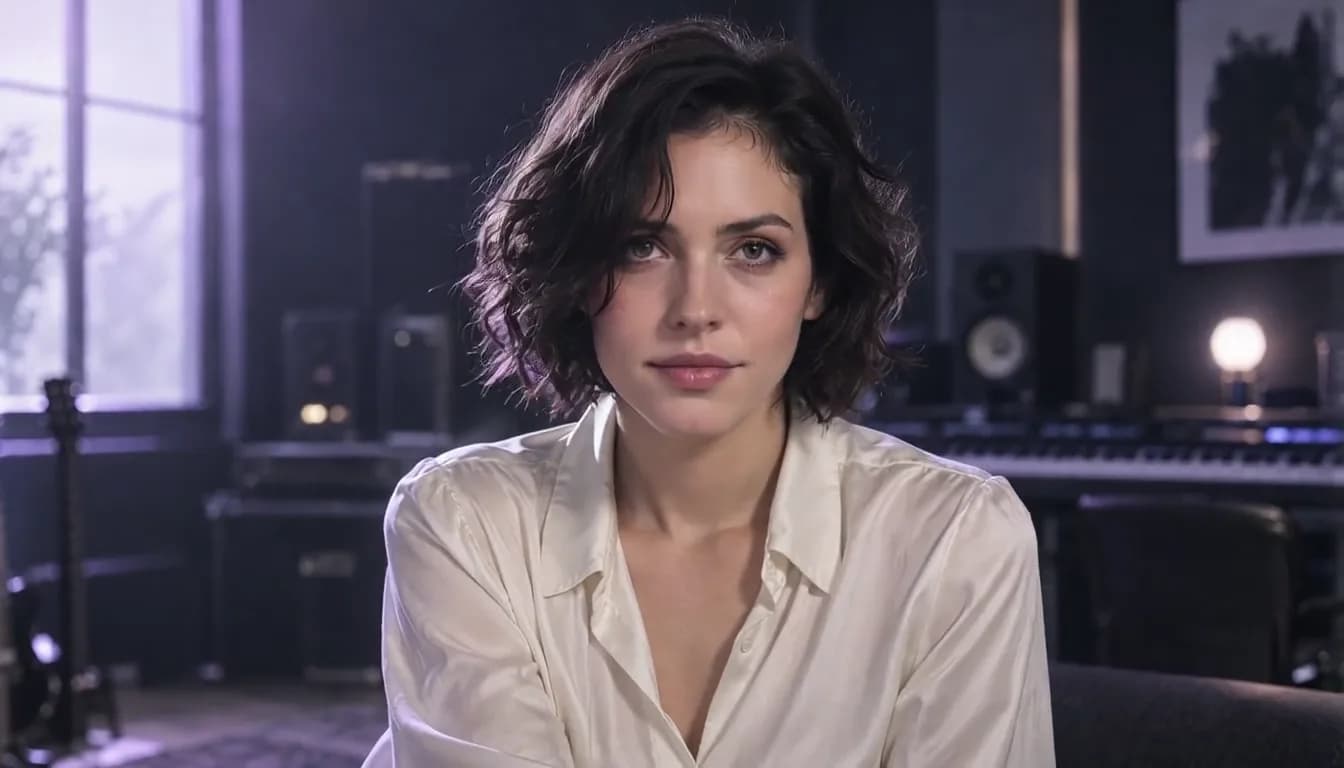


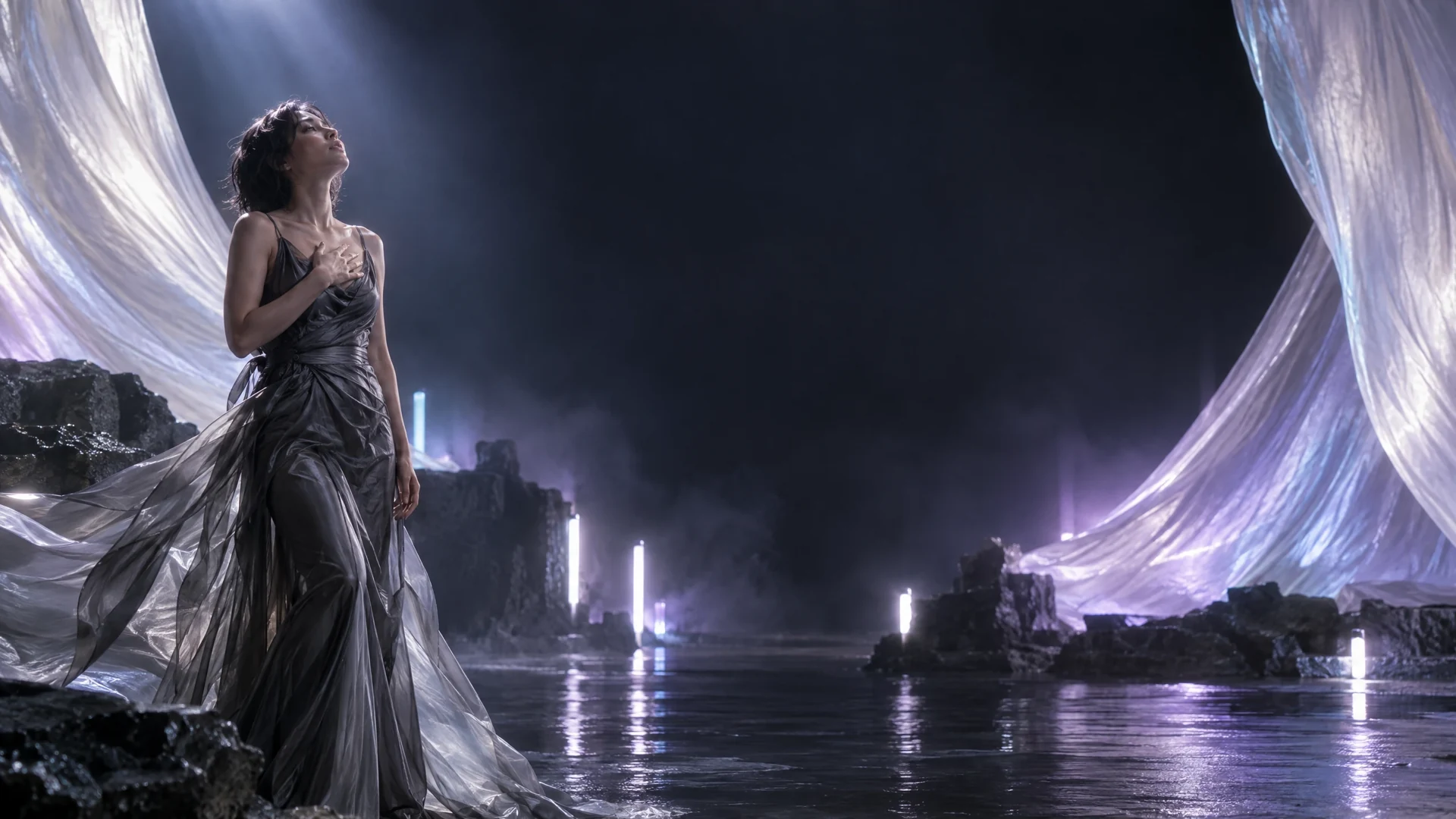
Make a music video for your whole song: let an artist sing it, tell its story, put your artist on stage, have them sing and dance, express one idea in visuals, or set a moving scene to your lyrics.
Pick an artist and watch them sing your song straight to camera.
Share your music where your audience is
 YouTube
 TikTok
 Vimeo
 Instagram
 Reddit
 Facebook
Six MV types, each made differently. Pick the one that fits your song.
In a Lip-Sync MV, you pick a digital artist and the photos to use, and they sing your song straight to camera. Use only photos you own or have permission to use.
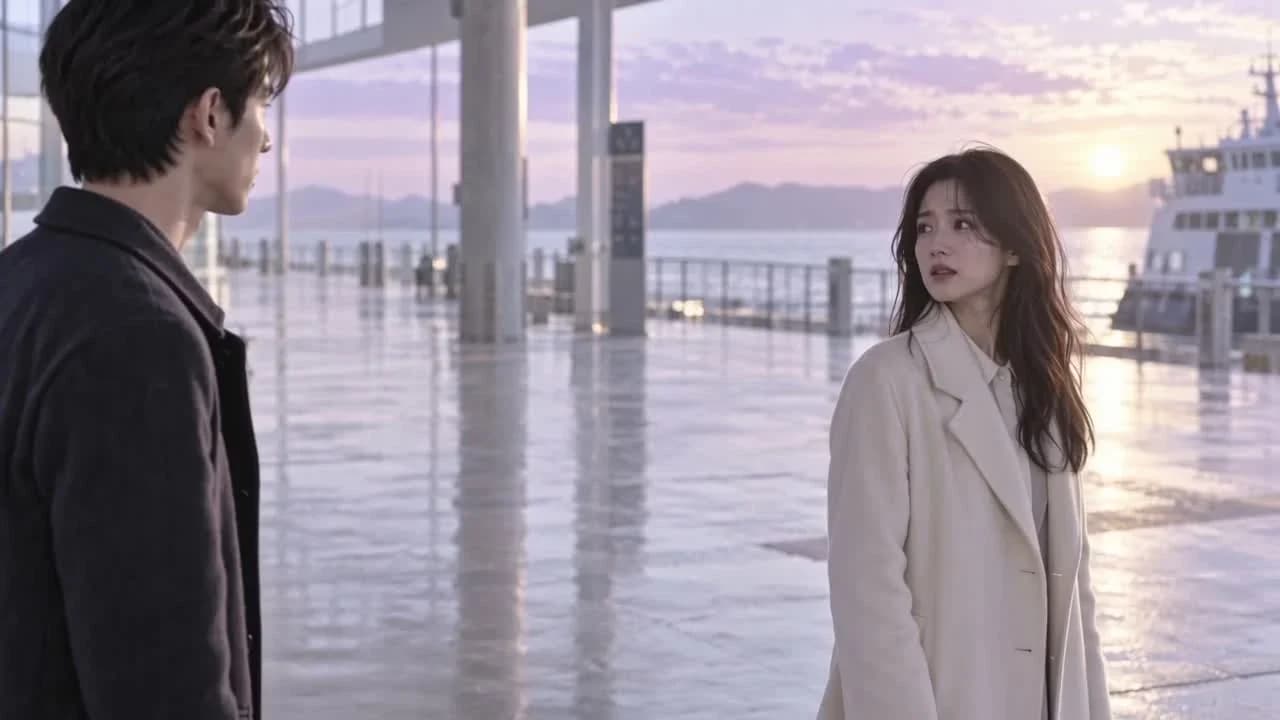
Make a Lip-Sync MVA Narrative MV turns the story in your song into a short film with characters and a plot. Describe your own story, or leave it blank and it's built from your song.
Create a Narrative MV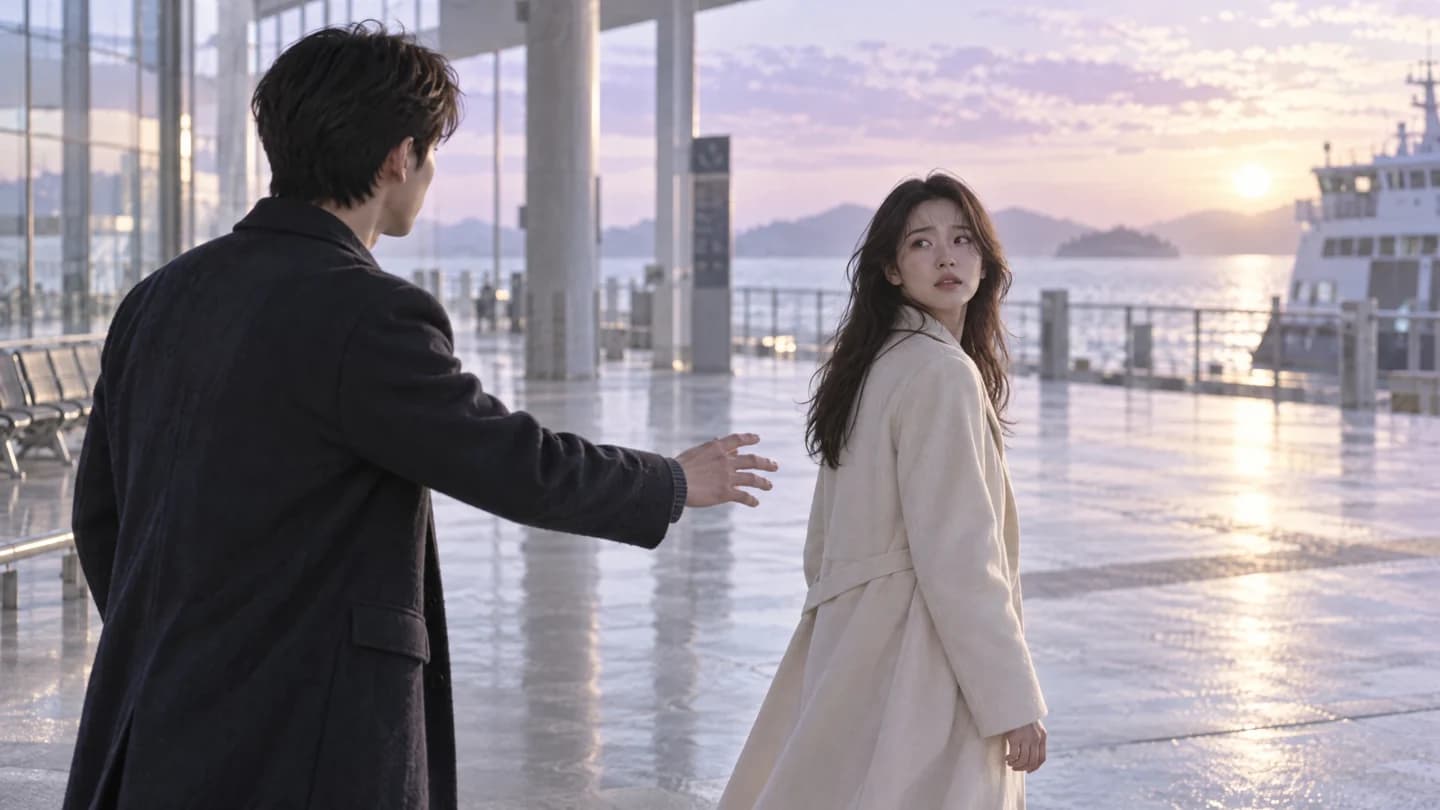
A Performance MV keeps the camera on your artist through changing stages, looks and lighting, singing every feeling in your song from the first verse to the last chorus.
Create a Performance MV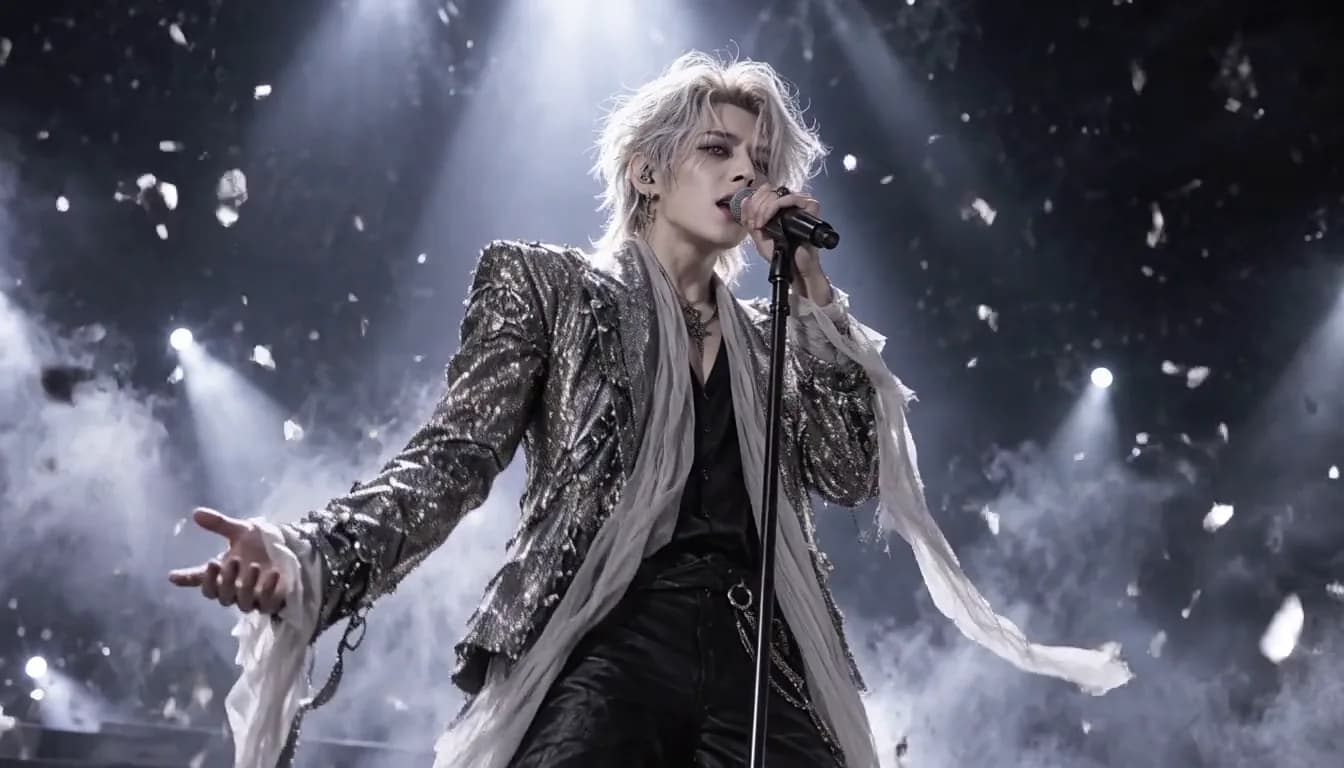
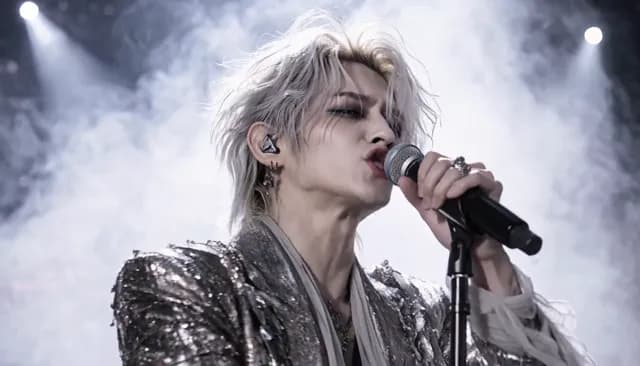
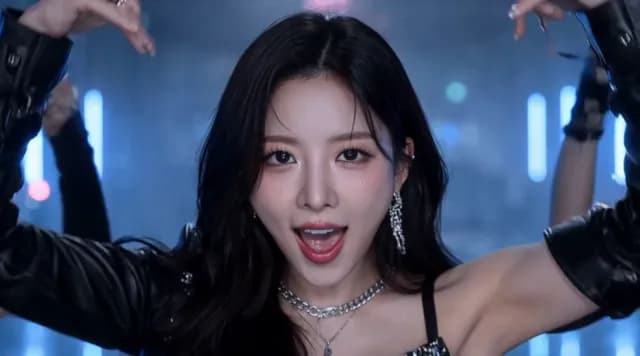
A Sing & Dance MV has your artist sing the verses to camera and lead the dance with dancers on every chorus, with sets that change as the song builds.
Create a Sing & Dance MV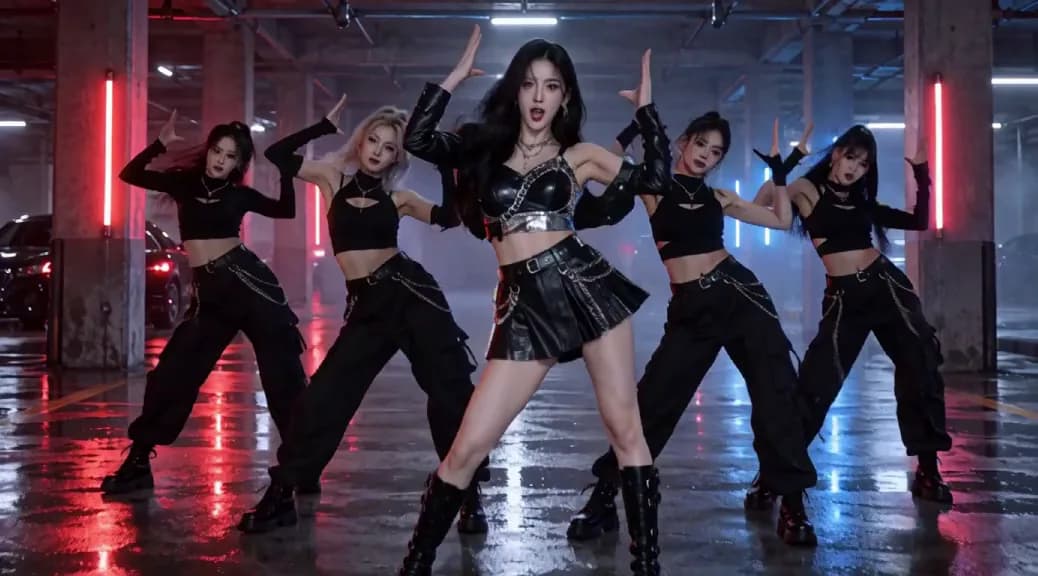
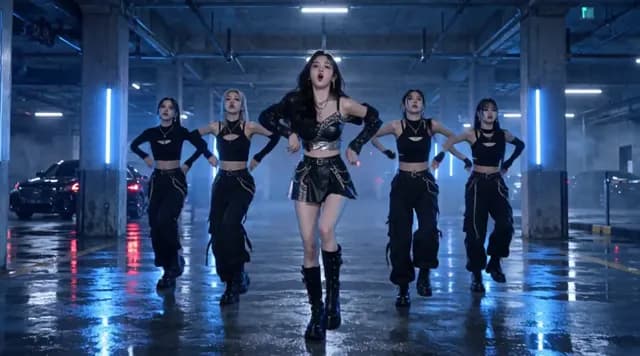
A Concept MV has no plot. One striking visual idea, a world, a symbol or a feeling, evolves with your music from start to finish.
Create a Concept MV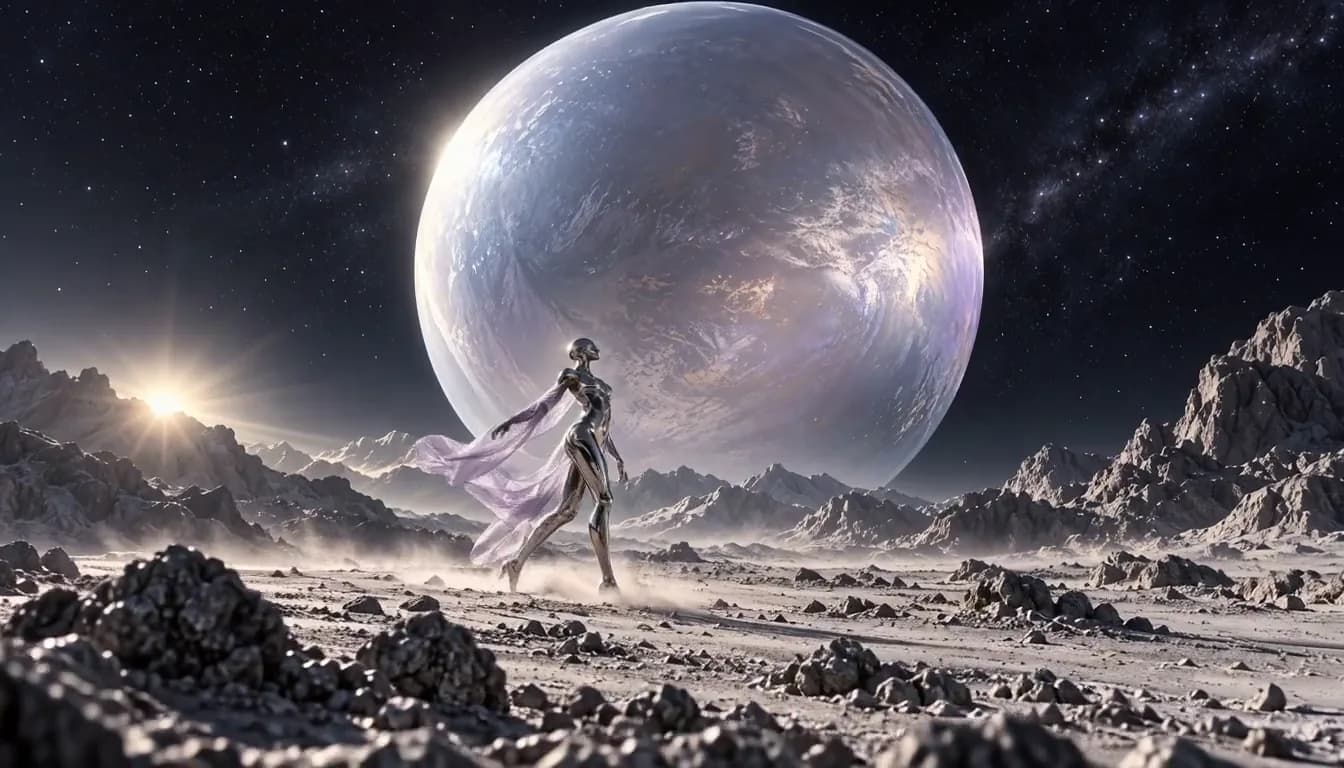

A Vibe MV sets one moving scene to your song, with your lyrics appearing to the music. Pick a visual style or let it match your song.
Create a Vibe MV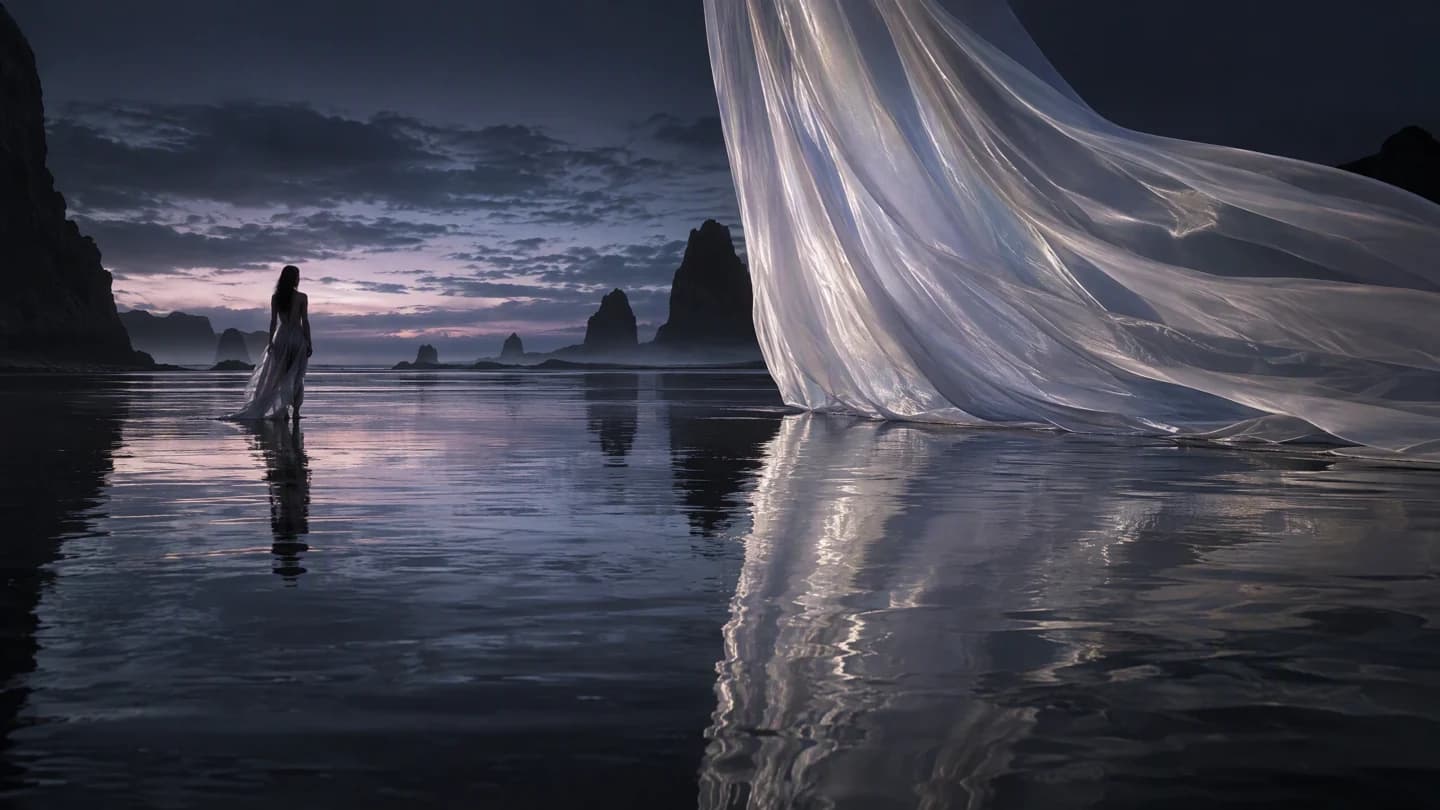
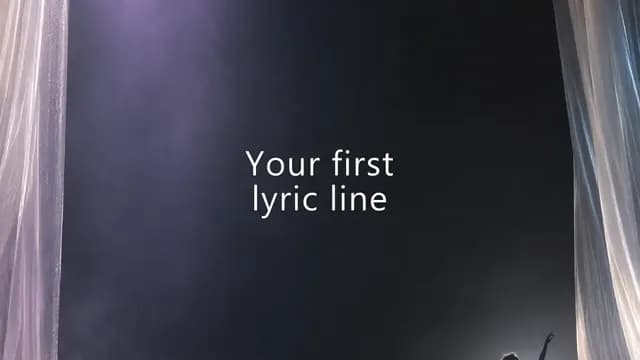
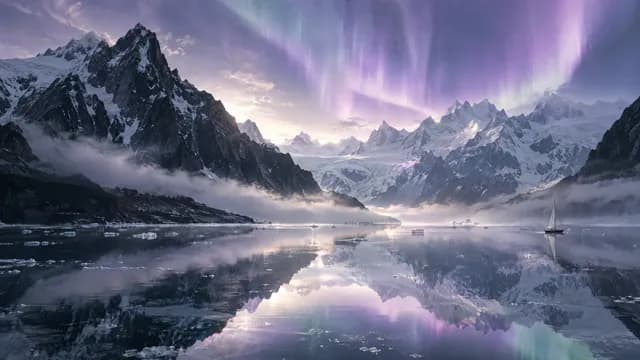
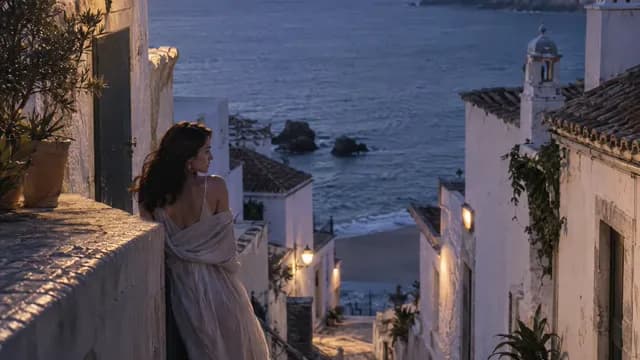
Create around your song, with the characters, style and lyrics that make the release yours.
Make a video for your whole track. Narrative MV, Performance MV, Sing & Dance MV and Concept MV plan multiple scenes around your song.
Choose one of your digital artists or create a new one from photos. In a Narrative MV, Performance MV, Sing & Dance MV or Concept MV, an artist can also be cast for your song.
Pick a visual style for your video, or let the style match your song.
Turn on lyric subtitles and choose their style, size and position. Lyrics come from your song, and you can check or replace them.
Export a Lip-Sync MV at up to 4K. Narrative MV, Performance MV, Sing & Dance MV and Concept MV can be upscaled up to 4K for extra credits.
In a Lip-Sync MV, your artist sings along to the vocals of your song, straight to camera.
Three steps from your song to a finished music video.
Upload your audio or paste a Suno, YouTube or TikTok link above. You can also pick one of your own songs later.
Pick the MV type, then its settings, such as your artist, visual style and lyric subtitles. You see the price before you generate.
Follow the progress in your workspace, then download the finished video and share it on your channels.
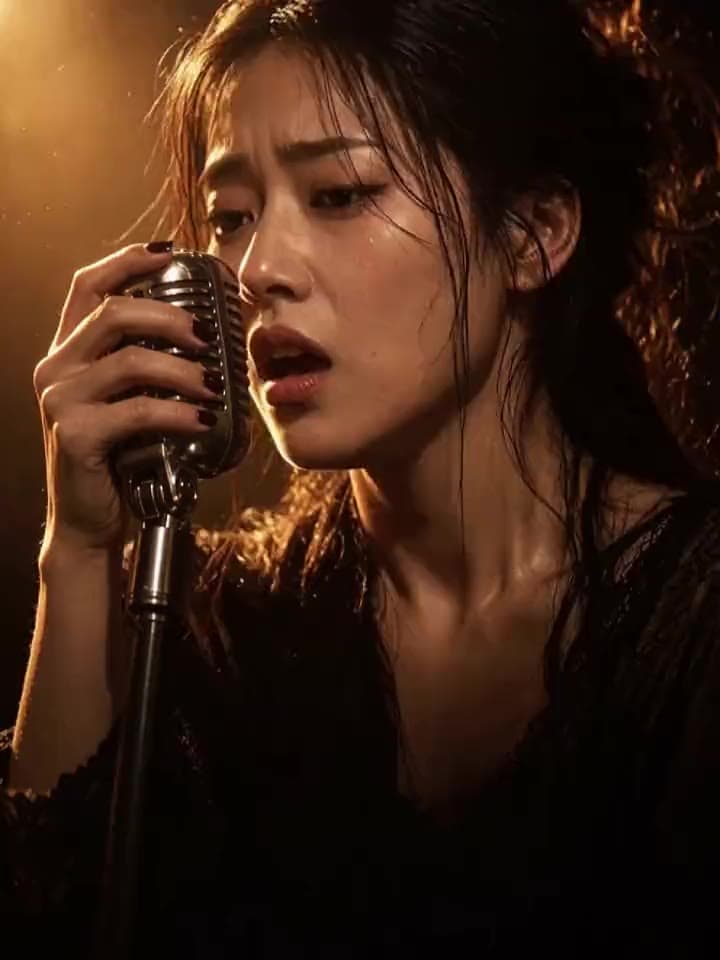 Lip-Sync MVLet an artist sing your song
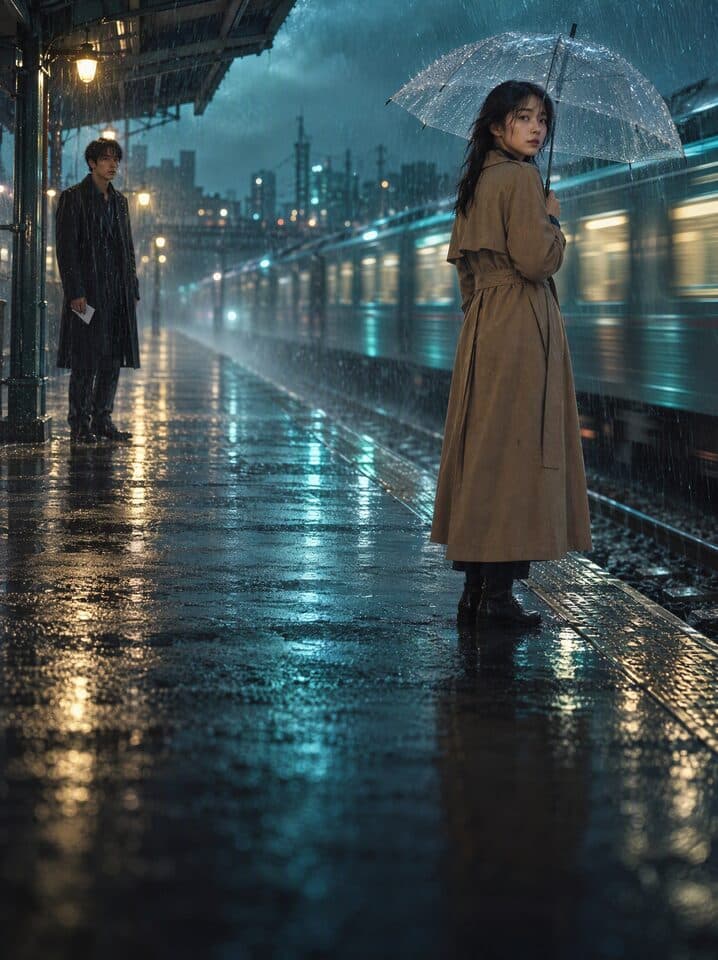 Narrative MVBring your song's story to life
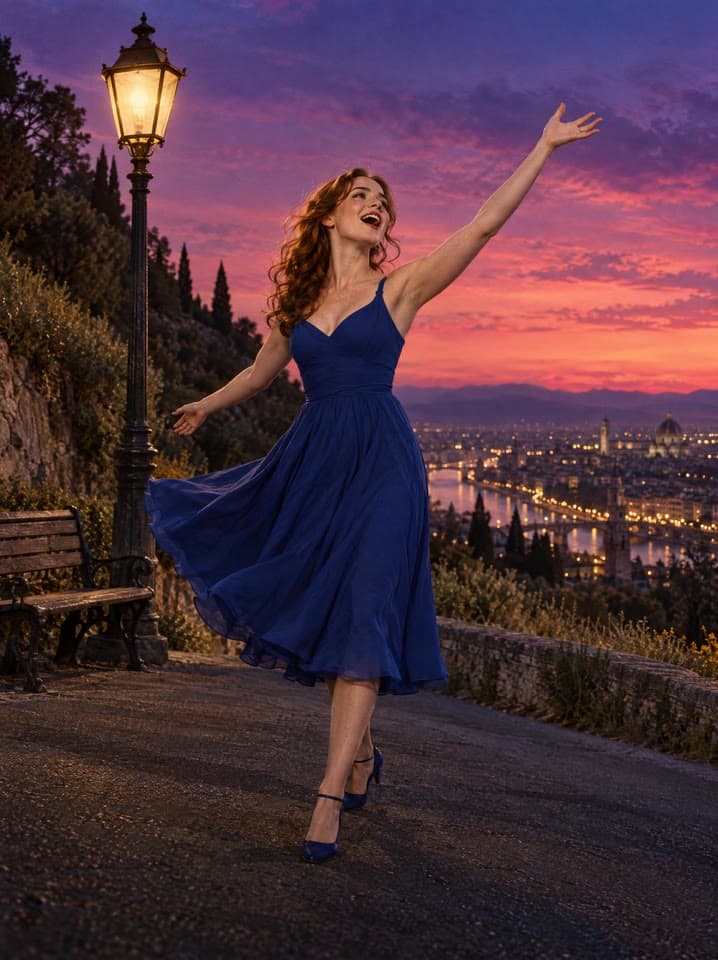 Performance MVPut the artist center stage
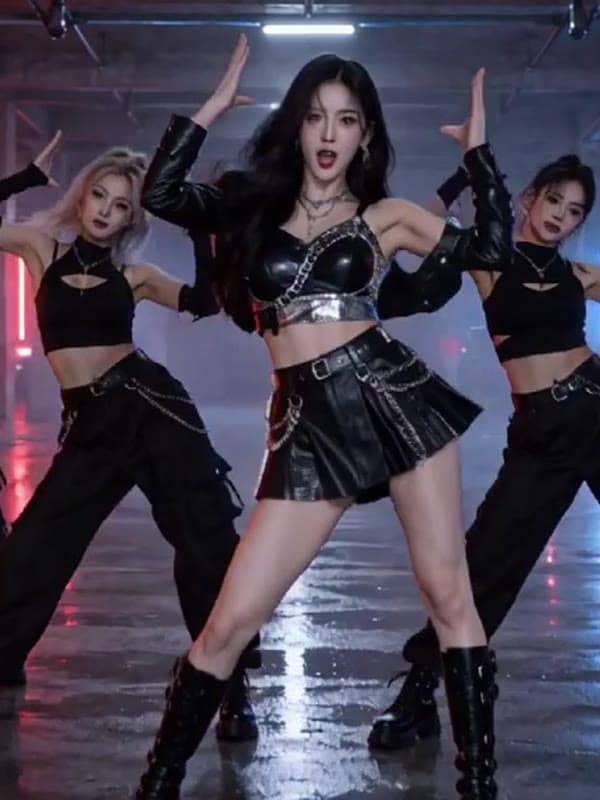 Sing & Dance MVYour artist sings and dances
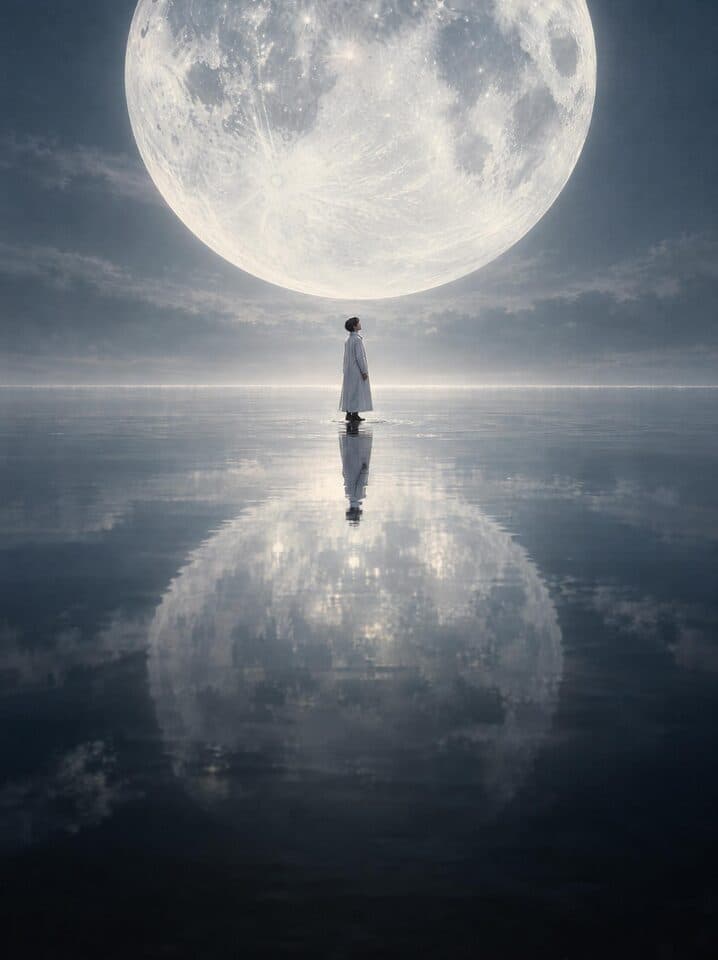 Concept MVExpress one idea in visuals
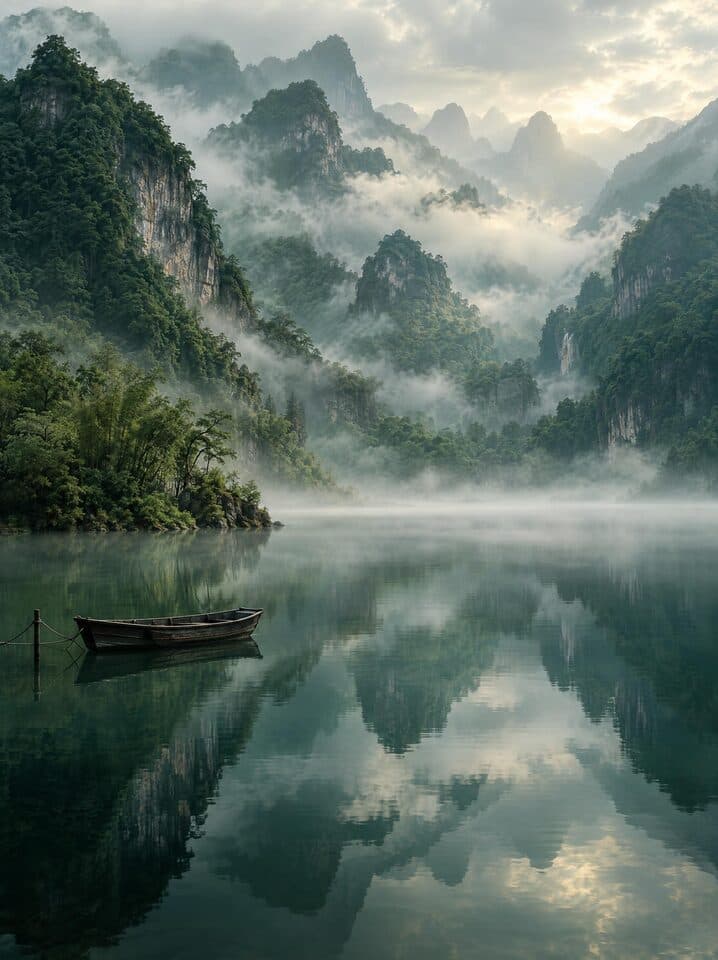 Vibe MVOne moving scene, set to your lyrics
Narrative MV, Performance MV, Sing & Dance MV and Concept MV offer two ways to create. With One-click video, the concept, characters and scenes, storyboard and final video are made automatically. With Create together, you approve or request changes at the concept, characters and scenes, and storyboard steps.
Open MV StudioAdd your song at the top of this page, choose an MV type and continue to your workspace. Set up your video, check the price, then generate.
Choose One-click video when you want the whole video made for you, with nothing to do along the way. Choose Create together when you want to approve the concept, characters and scenes, and storyboard, or ask for changes, before the video is made.
Choose a Lip-Sync MV when you want an artist to sing your song straight to camera. Choose a Vibe MV when you want one moving scene, with your lyrics appearing to the music.
Pick a cinematic, animated, painted or handcrafted look for your Narrative MV, Performance MV, Sing & Dance MV or Concept MV, or let the style match your song.
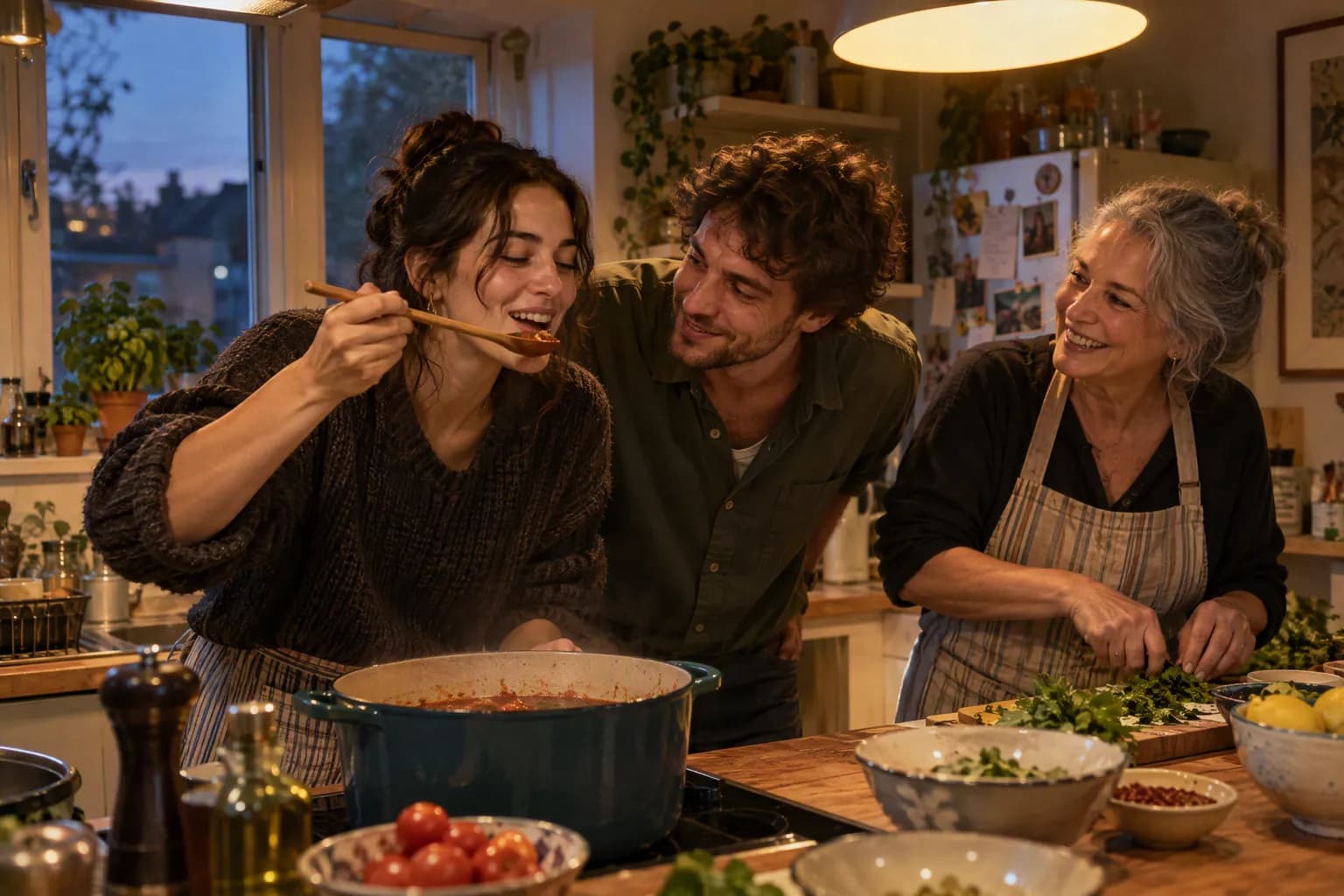
Preview story scenes, stage performances, visual ideas and vibe scenes before you choose how to bring your song to the screen.
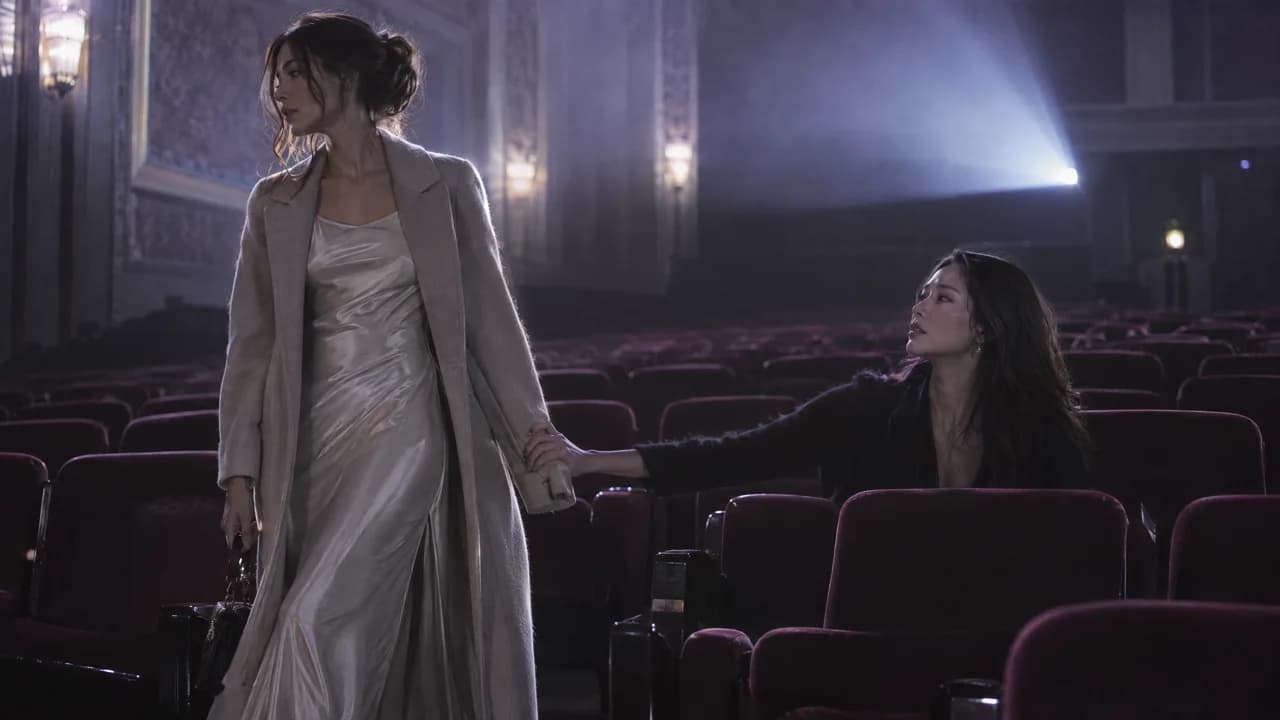
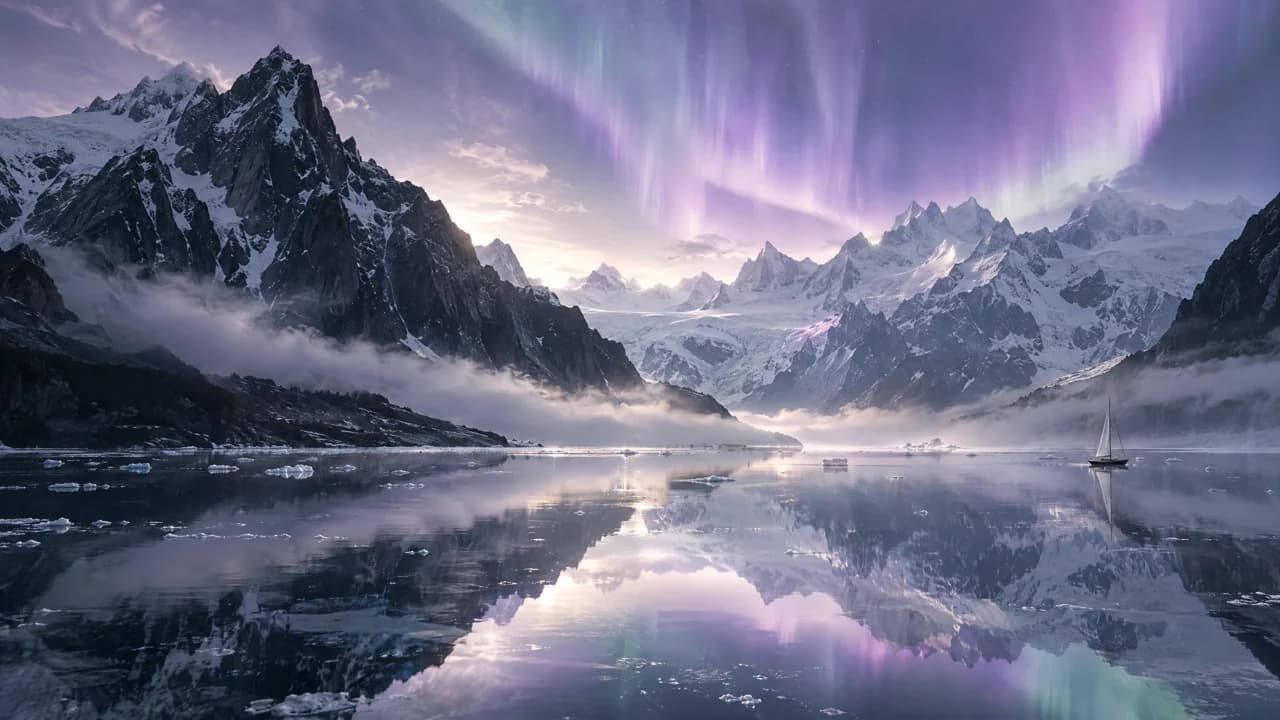
Preview films and images created to show these visual styles.
In a Narrative MV, Performance MV, Sing & Dance MV or Concept MV, you decide how much to shape yourself.
Feature one of your digital artists or have one cast for your song, choose a visual style, and add your own idea if you have one.
Choose One-click video for a fully automatic video, or Create together to approve the concept, characters and scenes, and storyboard.
Choose the video model, 16:9 or 9:16, and the resolution. You see the price before you generate.
Create a full music video for your release or a vertical video for your social feed. Download the result and share it wherever your audience watches.
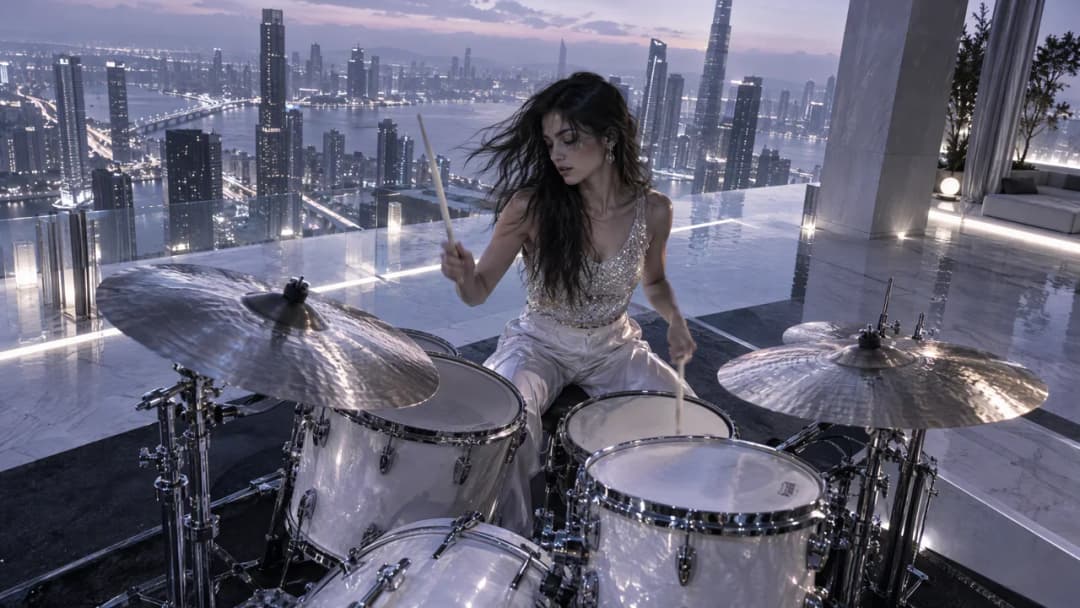
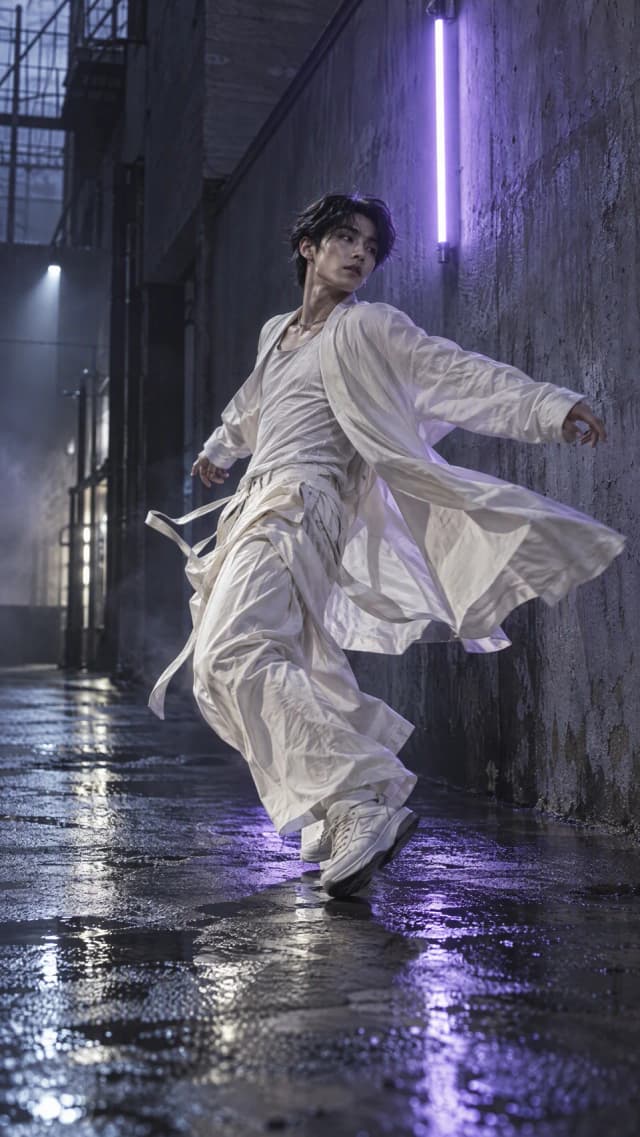
Download, then upload to your own channels. Available formats depend on the MV type.
Write lyrics, generate music, develop a digital artist and turn your track into a video without moving between separate creative tools.
Start with an idea or a song you have already created.
Create musicGive your music a recognizable face and a performance.
Explore artistsChoose the workflow that fits your song and your plans.
Make a videoNarrative MV, Performance MV, Sing & Dance MV and Concept MV let you choose the video model that makes your scenes, each with its own price per second.
Available models can change. MV Studio always shows the current models and prices.
Your MV type, model, length and settings set the price. You see it before you generate.
The model, quality and the part of the song you choose set the price.
Priced per second by the video model you choose. Upscaling to a higher resolution adds credits.
The price of your scene and video is shown before you create.
Your workspace saves accepted projects and their progress. You can return to your history to watch or download completed videos.
Plans and creditsMV Studio has six MV types: Lip-Sync MV, Narrative MV, Performance MV, Sing & Dance MV, Concept MV and Vibe MV. Narrative MV, Performance MV, Sing & Dance MV and Concept MV can be made with One-click video or Create together.
Yes. Upload an audio file or paste a supported music link, then continue in your workspace. You can also choose music you created on the platform.
Yes. Choose one of your digital artists or create one from your photos. A Lip-Sync MV uses the singing photos you select; a Narrative MV, Performance MV, Sing & Dance MV or Concept MV can feature your artist or cast one for your song. Use only images and likenesses you own or have permission to use.
Yes. Turn on lyric subtitles and choose their style, size and position. Lyrics come from your song; depending on the MV type, you can check them, edit them or import an LRC file.
Yes. Download the finished video and upload it to your own channels. Choose a format that fits the destination; available formats depend on the MV type. Platform rules and music rights still apply.
The price depends on the MV type, video model, length and resolution. Narrative MV, Performance MV, Sing & Dance MV and Concept MV are priced per second by model, and upscaling adds credits. You always see the price before you generate.
Wait until submission is confirmed. For successfully created background tasks, return to the relevant history or project view to check progress and open the result.
Check your plan and current usage terms, as well as the rights to the music, images and artist likeness. Generating a video does not grant permission to use third-party material.
Choose the video you want to make and continue in your workspace.
Create your music video