
AI Music Generator for Content Creators: Complete Guide 2026
Explore AI music generation workflows for content creators, compare your options, and check inputs, usage rights and costs before making a song or singing MV.
Choosing an AI music generator starts with your intended use: background music, a complete song, an authorized cover or material for a music video. CAVN AI brings music generation, audio-processing tools and singing-video creation into one platform. Compare the actual workflow, account options and output before deciding what suits your project.
You're a content creator. You need original music for your videos, podcast, or social posts. Licensing fees add up fast. Royalty-free libraries sound generic. Hiring a musician isn't realistic for a daily upload schedule. AI music generators solve this—if you know how to use them.
By the end of this guide, you'll understand how AI music generators work, which one fits your workflow, and how to create professional tracks for any platform: YouTube, TikTok, Instagram, or your podcast.
> Key Takeaways
AI music generators can turn supported prompts and reference inputs into music; check the actual input types and timing shown by your chosen workflow.
CAVN AI offers music generation, audio-processing tools and singing MV creation in one platform; this is not a claim that it is the only service with a combined workflow.
Compare tools using the same task, permitted inputs and current account conditions instead of assuming one service is best for every creator.
Commercial-use permissions depend on the applicable plan, terms and rights to your input material. Check those before publishing.
Judge the result against your project's musical and production requirements, rather than assuming generated tracks always match studio-produced work.
What Is an AI Music Generator and How Does It Work?
An AI music generator uses machine learning models to create original music from user input. You describe what you want—in text, by uploading an image, or even a video clip—and the AI produces a complete song.
You can explore music ideas in a browser, but still need to review the composition, recording quality, available editing controls and account costs before preparing a release.
The Technology Behind AI Music
Different services use different models and processing pipelines. A product's public controls do not necessarily describe its training data or internal architecture.
CAVN AI exposes multiple model options. Consult the current model selector for availability and settings, and compare outputs on your own material rather than inferring model ownership or training architecture from a product label.
From Prompt to Finished Track
The typical workflow with an AI music generator looks like this:
- Describe your idea. Type a prompt like "cinematic orchestral intro with building tension."
- Choose your style. Pick a genre, mood, or reference track.
- Generate variations. The AI produces multiple versions to compare side by side.
- Refine. Adjust stems, master the audio, or extend sections.
- Export. Download your track or take it further with MIDI export or music video creation.
Why Content Creators Need AI Music Generators
Content creators often need music that fits a particular length, mood and release format. AI tools can help explore those options, but usefulness should be judged on the actual project. This guide does not claim a measured increase in audience retention or streams from using generated music.
The Problem with Traditional Music Licensing
Music licenses and production services have different terms and prices. Compare the actual license and quote for your project. Using an AI tool does not remove the need to check rights to lyrics, samples, recordings or a person's likeness.
Compare these practical trade-offs before choosing a workflow:
Problem
AI Music Solution
Recurring subscription fees
Check current account allowances and plan pricing before generating.
Generic overused tracks
Original generation for every use case
Rights and publication requirements
Review applicable commercial-use permissions and input rights.
Time spent searching
Include generation, listening, editing and retries in your time estimate.
The All-in-One Advantage
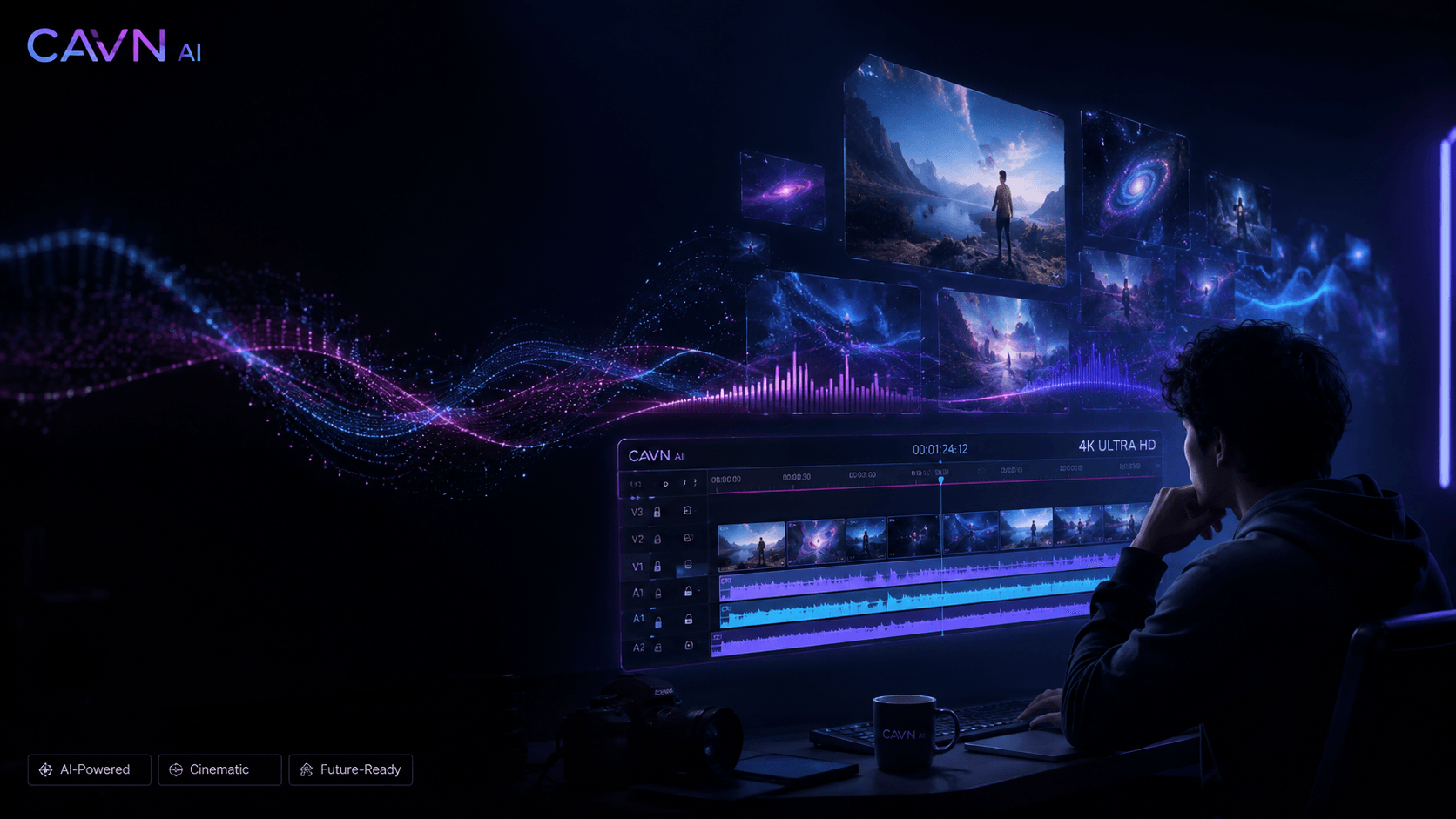
A combined workflow can be convenient when your project needs both music and visuals. CAVN AI lets you move between its music, audio and video tools. The benefit depends on the functions you actually use; it is not a guarantee that every project can be completed without any external editing.
CAVN AI's all-in-one approach lets you:
- Generate background music for your video
- Clone your voice for narration or character voices
- Master the audio for professional loudness and clarity
- Create a 4K music video with auto lip-sync
- Export to MIDI for further production in your DAW
Check the current CAVN AI pricing and tool interfaces for the functions, estimates and permissions relevant to your project.
Compare tools on your own music task
Use current product interfaces and terms when comparing services. Record the input, selected model, output, usable result and cost. This guide does not assign competitor feature scores, exact prices or quality rankings without a current documented test.
For CAVN AI, check current plans and usage terms. If your goal is a video for an existing song, follow the Suno-to-singing-MV tutorial and review the official singing examples.
How to Choose the Right Tool for Your Content
Your choice depends on your specific workflow and what kind of content you create.
For YouTube Creators
You need intros, outros, transition effects, and sometimes full original songs. You also need commercial rights because your videos are monetized through the YouTube Partner Program.
For a YouTube project, evaluate the generated track against your intended use and review your plan's commercial terms. If you also need an artist-led visual, CAVN AI's singing workflow uses selected digital-artist images and audio; it is not automatic story direction.
For TikTok and Instagram Creators
Speed is everything. You need to generate music fast, match it to your video, and post before the trend passes.
For short-form content, compare the audio result and the work needed to prepare your intended video. CAVN AI offers music and singing-video tools, but the right choice depends on your material, budget and required control, not an untested blanket ranking.
For Podcasters
You need intro and outro music, background beds for different segments, and audio mastering to ensure consistent volume across episodes. Stem separation also helps when remixing interview segments.
For podcast material, test whether the available music generation, separation and mastering tools solve your specific production task. Consult current prices and account options rather than assuming one plan includes every operation without further credit use.
For Brands and Marketing Teams
You need custom music that matches your brand identity, plus clear commercial usage rights that your legal team can sign off on.
For commercial projects, retain the applicable service terms and permissions for the inputs you use. CAVN AI offers several creative tools, but it does not remove third-party rights or publication requirements from the project.
How to Create Your First AI Music Track
The following workflow takes you from a music idea through generation, review and optional visual production. Check the current interface and estimates rather than assuming a fixed completion time.
Step 1: Write a Good Prompt
The quality of your output depends heavily on your input. A good prompt includes several key elements:
- Genre: "Lo-fi hip hop," "Cinematic orchestral," "Upbeat electronic"
- Mood: "Relaxed," "Energetic," "Melancholic," "Triumphant"
- Instruments: "Piano and strings," "Synth pads with drum machine"
- Structure: "Slow build to a drop," "Verse-chorus-verse"
- Reference: "In the style of Hans Zimmer" or "Daft Punk-inspired"
Example prompts that produce great results:
- "Upbeat electronic track with funky bassline, perfect for tech review videos"
- "Atmospheric cinematic drone with piano, builds to orchestral swell, 90 seconds"
- "Lo-fi hip hop beat with vinyl crackle and soft piano loop, relaxing study music"
Step 2: Generate and Compare
If your available credits permit, compare a few variations of the prompt. Listen for structure, mood and unwanted artifacts, and keep a record of the settings and cost. A free account does not guarantee enough allowance for every comparison you want to run.
Step 3: Refine in the Audio Studio
Use the available stem separation and audio-processing tools for the parts of the track you need to refine. Check the actual editing controls rather than assuming a full multitrack editor or every type of arrangement edit is available in the current workflow.
Step 4: Master and Export
Review the mastering options and listen to the result before exporting. Choose settings appropriate to the recording and verify your publishing platform's current requirements; automatic processing is not a guarantee that every export meets every destination's needs.
Step 5: Create a Music Video (Optional)
To make a singing MV, select a digital artist and image material, add your song, choose the audio section, then review the model, resolution and credit estimate. The current singing workflow does not automatically write a narrative storyboard from audio alone.
Frequently Asked Questions
Is AI-generated music copyright-free?
AI-generated music is not automatically free of copyright or other rights. Check the applicable service terms, plan permissions and rights to the lyrics, audio and other inputs. Do not assume all CAVN AI tiers have identical permissions.
Can AI music be used on YouTube and TikTok?
Check your service permissions, input rights and the publishing platform's current rules before uploading or monetizing. No tool can promise that every output will be free of copyright claims or Content ID issues in every context.
How good is AI music quality compared to professional production?
Quality varies with the model, input and intended use. Listen critically for vocal artifacts, arrangement problems and the way the track fits the project. This guide does not claim that generated music is universally indistinguishable from professional production.
Do I need musical training to use an AI music generator?
No. That's the whole point. You describe what you want in plain language, and the AI handles the composition, arrangement, and production. No instruments, no music theory, no studio required.
Which AI music generator is best for commercial use?
Choose based on the specific license and output you need, not a blanket best-for-commercial-use label. Check CAVN AI's current plan and usage terms, and verify the rights to any third-party material you supply.
Getting Started
Start with a clear musical idea, the rights to your input material and a budget for testing. Generate, listen and decide what needs to change before preparing a release.
Here's what to do next:
- Sign up for CAVN AI. Free, no credit card required.
- Write your first prompt. Start simple: "Upbeat background music for a travel video."
- Generate and listen. Try a few variations until one clicks.
- Refine in the Audio Studio. Make it yours.
- Publish. Your music, your content, your rights.
Now go make something people won't skip.
Product descriptions reviewed September 11, 2026. This refresh removes unverified customer anecdotes, universal rights guarantees and untested competitor rankings. For the current singing-video steps, see the Suno singing MV tutorial.