
How to Make AI Music Videos: A Guide for Content Creators
Explore AI music video workflows, watch existing singing MV examples, and compare inputs, credits and usage rights before creating a performance with CAVN AI.
An AI music video generator uses audio, images or prompts to help create visuals for a song. The workflow matters as much as the label: a singing performance, a lyric video and a story-driven film require different inputs and offer different amounts of control. CAVN AI's current singing creator uses your audio and selected digital-artist images to make a lip-sync performance.
This guide explains what to prepare, how to evaluate the result and which questions to ask before spending credits. It is a product-team guide to current workflows, not an independent ranking or a measured comparison of competing services. An automatically written narrative film is not promised by the singing workflow described here.
Choose the kind of music video you need
Singing and lip-sync performances
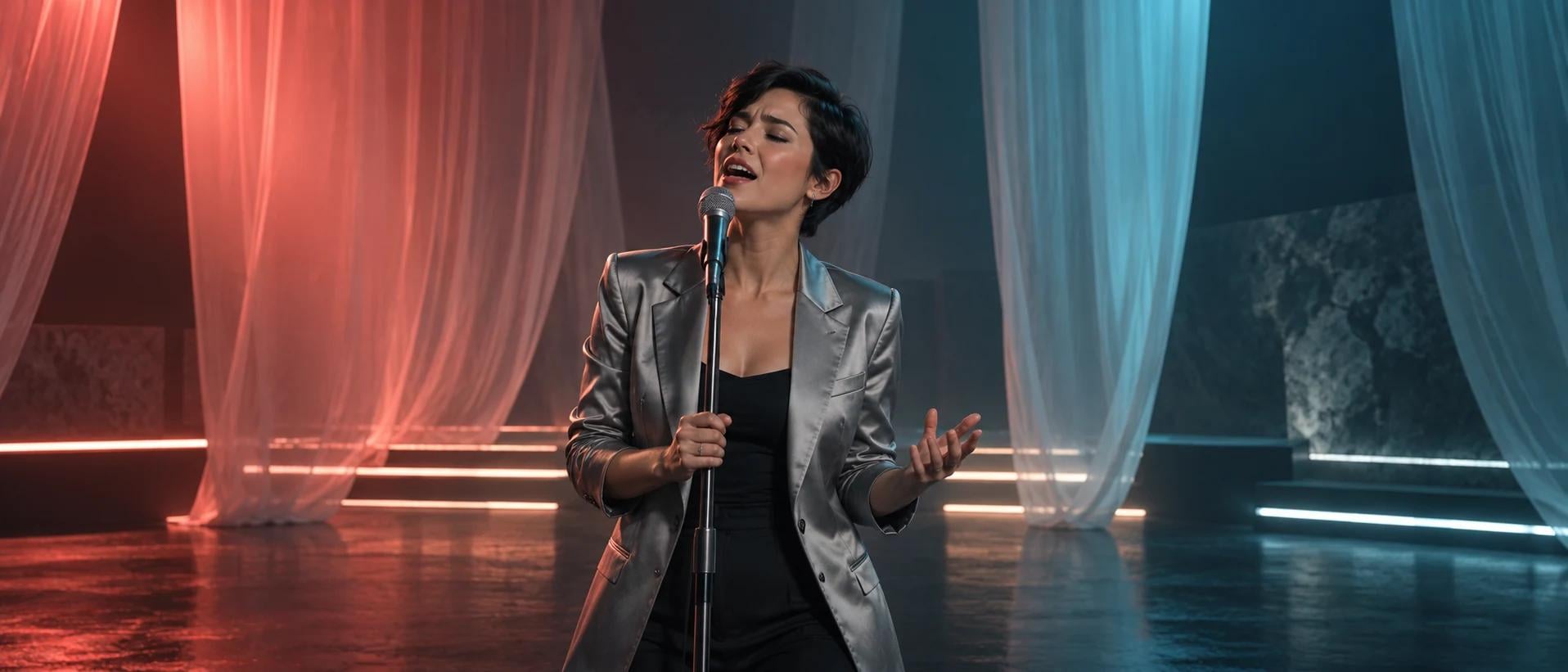
Choose this format when the performer is the main visual subject. You supply or select artist imagery and audio, then review how the visible performance follows the vocal. A clear face and appropriate framing are useful starting points. The result still needs review; selecting multiple artist images is not the same as having a story automatically written for you.
Lyric and atmosphere videos
Choose a lyric-led or atmosphere-led format when words or visual mood matter more than a visible singer. Check the actual subtitle workflow, required timestamps, available styles and output options. Do not assume that every music-video tool automatically transcribes and aligns every lyric. CAVN AI exposes a separate Vibe MV workflow; the dedicated tutorial below focuses on singing.
Story-driven videos
A narrative video needs more than several attractive shots: it needs a story, connected events, consistent characters and deliberate editing. When comparing tools, ask which of these decisions are automatic and which remain yours. Judge a complete output, not only a trailer. Do not infer narrative automation from the presence of a lip-sync feature or a storyboard-image selector.
What the current CAVN AI singing workflow needs
Prepare a digital artist, at least one selected artist image, and a song you have permission to use. The current interface accepts MP3, WAV and FLAC files up to 100 MB, or a song selected from your CAVN AI library. Preview the audio and choose the section you want to use. Optional lyric subtitles require appropriate timed lyrics.
You choose the model and output resolution offered in your account. The interface includes resolution options from 480p to 4K, but the selected resolution alone does not guarantee a particular level of detail or performance quality. Use the actual duration limits and estimate shown for your current settings, rather than assuming every model supports a ten-minute render.
Make a singing music video step by step
First, open CAVN AI's AI Music Video Generator and select an available digital artist or create one from authorized material. Select the image or images to use in the performance. Next, select a library song or upload local audio, wait for upload completion and listen to the selected passage.
If you need subtitles, check the timing data and appearance. Choose a model and resolution, then review the estimated credits before submitting. Wait for confirmation that the task was created. Use History to check progress and download the finished result. Review the full selected passage, including audio boundaries, lip movement, facial appearance, framing and subtitles.
If your song was made in Suno, follow the Suno-to-singing-MV tutorial. That guide uses a legitimately downloaded audio file; it does not rely on direct Suno-link import or bypass another service's download restrictions. Creating a new song in CAVN AI is optional.
Watch existing singing MV examples
The official CAVN AI singing MV showcase includes Perfect (32 seconds), Travis Scott (30 seconds) and Flowers (30 seconds). These are selected performance examples, not evidence of a fixed generation time, cost or success rate. Their titles identify the showcase entries; they do not imply endorsement by the named recording artists.
For an external walkthrough, see Levelma's CAVN AI tutorial and the accompanying Japanese article. The article documents artist-image selection, audio selection, resolution choices and singing results. It includes a promotional code, so this is presented as a creator demonstration rather than an independent benchmark. Availability and interface details may differ from the current product.
Watch the results at their original sources. Permission to view a demonstration is not permission to reuse its song, performer likeness or footage in your own release.
Compare tools on the task you actually need
Instead of choosing a tool from a blanket best-to-worst list, ask whether it accepts your input, produces the video format you want, exposes the controls you need and lets you export an acceptable result. Compare completed outputs made under documented conditions. A cinematic short-clip generator and an automated full-song workflow may require very different amounts of editing.
For a useful comparison, record the audio length and selected passage, source images, model, resolution, required editing, first output, retries and final output. Use the same permitted song when practical. If a review only shows selected highlights, do not infer full-song consistency or an average success rate. This article does not assign competitor feature scores without a current test.
Estimate the real cost of your music video
CAVN AI video generation uses credits. The estimate depends on the chosen duration, model and resolution; retries may add to the cost of reaching a result you want to release. Check current plans and credits and your account estimate before submitting. A monthly subscription price alone does not tell you what your finished project will cost.
Separate generation, refinement and exporting when keeping a project log. Record failed tasks and any account-reported refunds instead of assuming a universal refund outcome. Browsing examples does not require purchasing a generation. Any trial allowance or promotion should be checked in the account; this guide does not promise that every video can be generated for free.
Check rights and publication requirements
Check CAVN AI's usage terms and the terms applicable to your plan, along with the permissions for the song, lyrics, image and likeness you upload. A commercial-use allowance from a tool is not clearance for every third-party asset. The article does not promise that all tiers have identical permissions or that a platform will never issue a copyright claim.
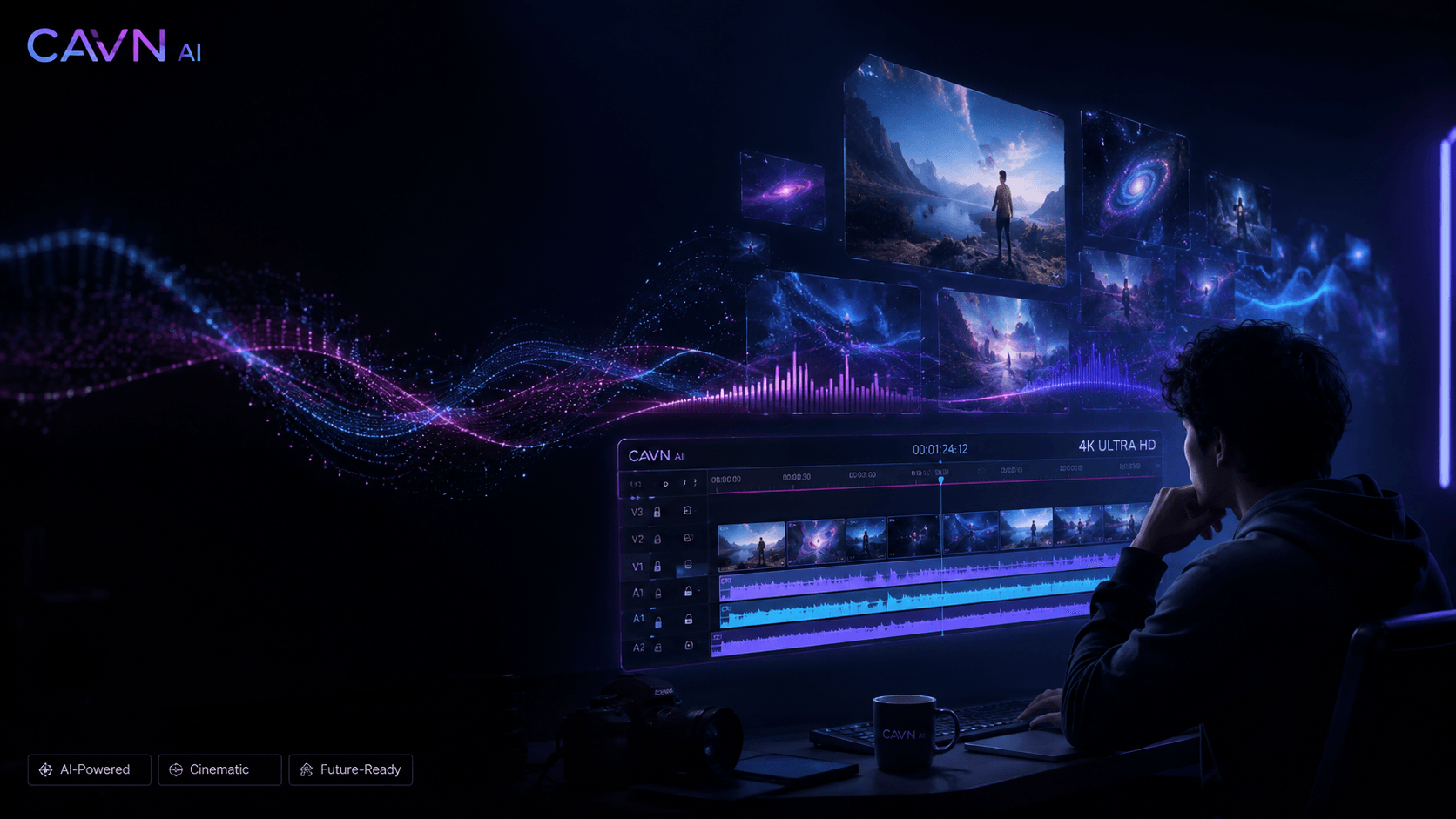
Before release, inspect the exported file on your target screen and confirm the publishing platform's current format requirements. If you want to reuse another creator's example, obtain the necessary rights rather than treating its public availability as a license. Keep the generated editorial artwork on this site separate from evidence of an actual customer production.
Frequently asked questions
Can I use an existing song?
Yes. Use an authorized MP3, WAV or FLAC file within the current upload limit, or select a song from your library. For Suno audio, download under the permissions and allowance available to your Suno account, then follow the local-upload workflow.
Does CAVN AI automatically write a story for this video?
The singing workflow described here uses selected digital-artist images and audio to create a performance. It does not promise an automatically written story or a complete narrative film from audio alone. Evaluate other modes according to their actual inputs and released functionality.
How long will generation take?
Use the task status and any estimate available in your account. This guide does not provide a measured average completion time. Model, duration, settings, service load and retries can affect the time needed to reach a finished result.
Can I publish the result commercially?
Check your applicable plan and usage terms, as well as the rights to the music and visual material. Do not assume that exporting a file transfers rights to material owned by someone else or guarantees freedom from claims on every platform.
Start with an existing example and a focused test
Watch the official singing examples, choose a performer and a vocal passage, and review the estimate before generating. Expand the project only after inspecting the result. Open the AI Music Video Generator or use the detailed Suno singing tutorial for the current upload and selection steps.
Product descriptions reviewed September 11, 2026. Official showcase entries and creator demonstrations illustrate workflows; they are not controlled measurements of cost, time or success rate.